About Linux (CPU Software)
This page explains the structure of the Linux (CPU Software) sub-project, provides links to all the repositories, and explains how they are used to build Flipper One's official Linux operating system.
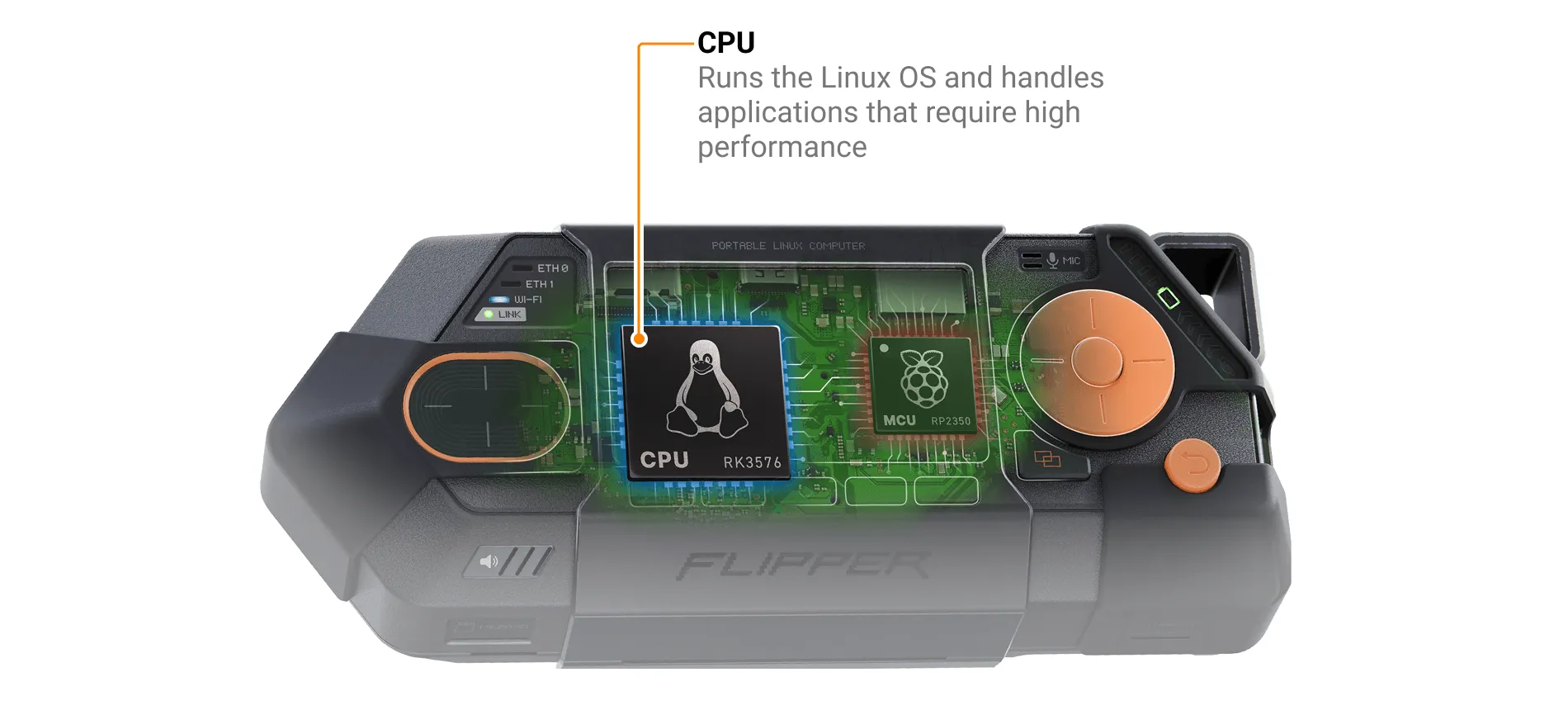
Flipper One has two processors. The high-performance CPU (Rockchip RK3576) runs Linux and handles user applications, networking, high-speed peripherals (USB3, PCIe), AI acceleration (NPU), and graphics output (HDMI, DisplayPort). The low-power MCU manages power, the display, button and touchpad input, and Power Bank mode.
The CPU Software sub-project consists of:
- 📁 GitHub repositories:
We'd love your feedback — look for tasks tagged help wanted in the task tracker, or contribute directly to the GitHub repositories via pull requests.
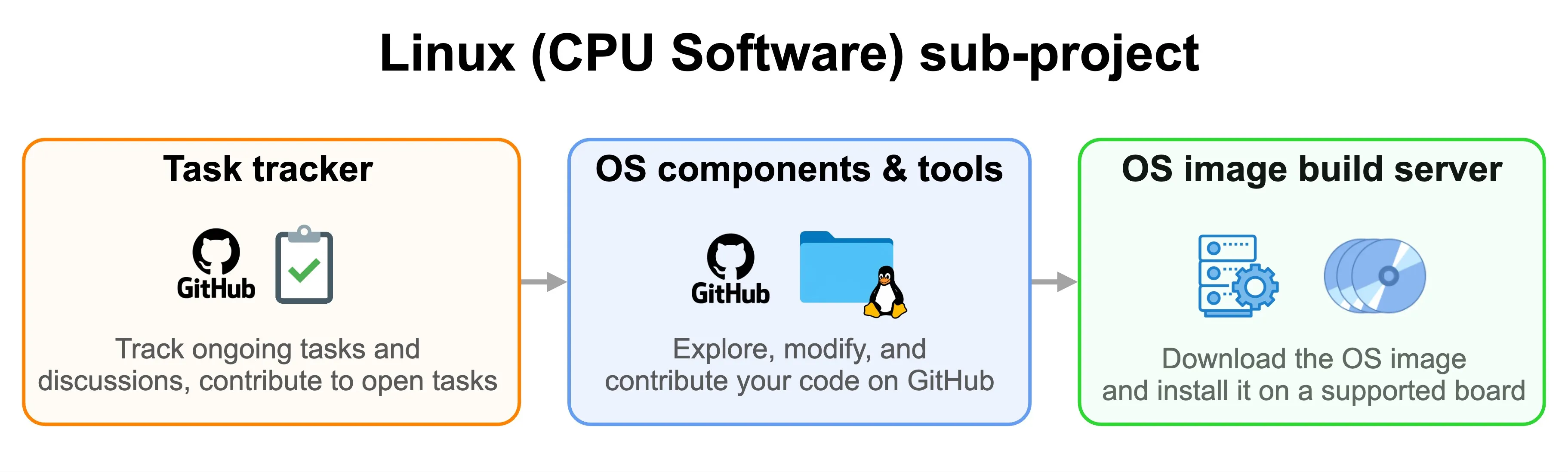
✅ Task tracker
All Linux (CPU Software) team tasks are tracked in the GitHub project Flipper One — Linux (CPU Software). There, you can see what the engineering team is working on and follow progress and discussions.
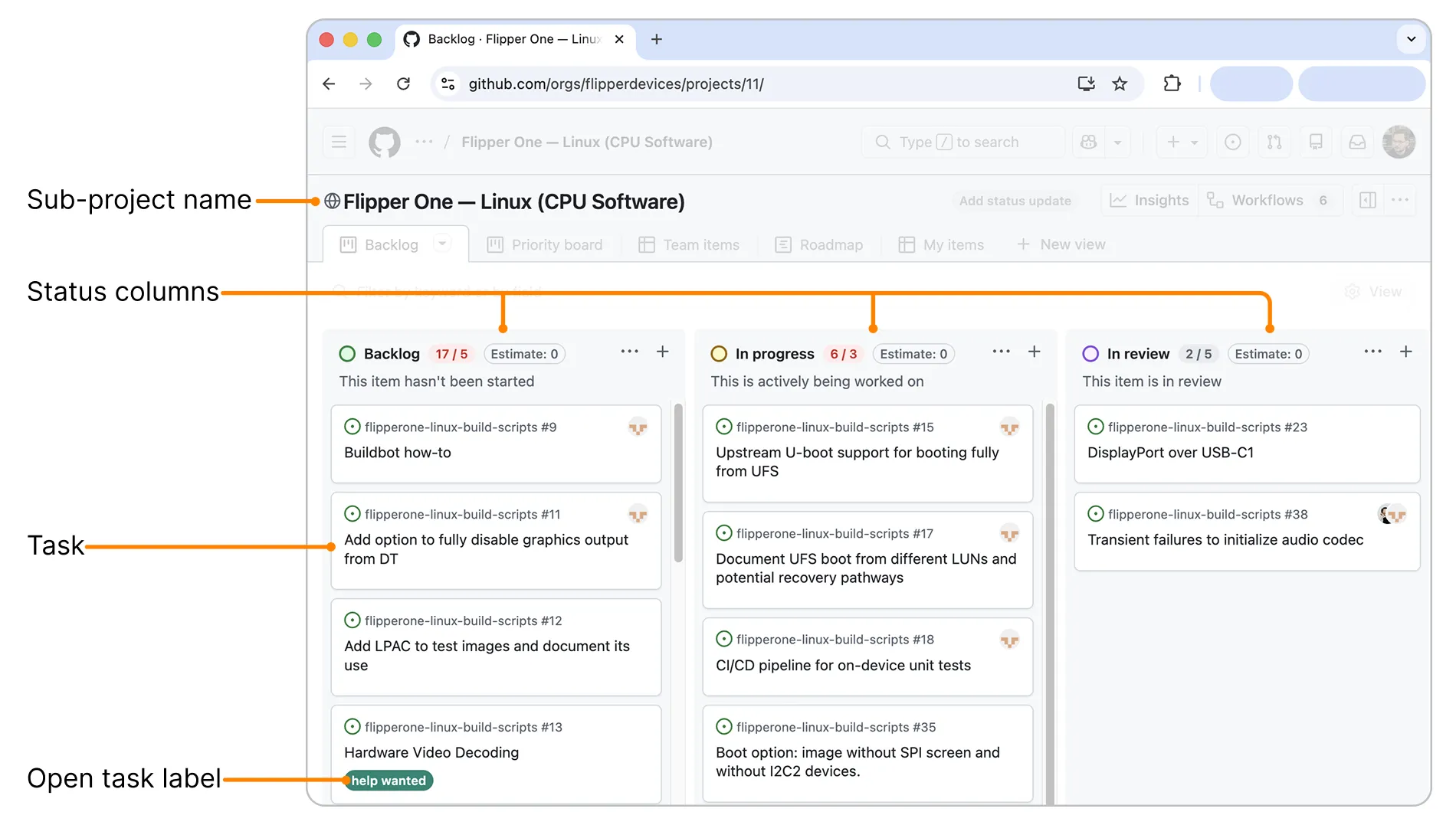
Some tasks are open to the community and marked with a help wanted label. You’re welcome to join the discussion on these tasks or submit your code suggestions — just make sure to read the Contribution guide first.
🏭 OS images build server
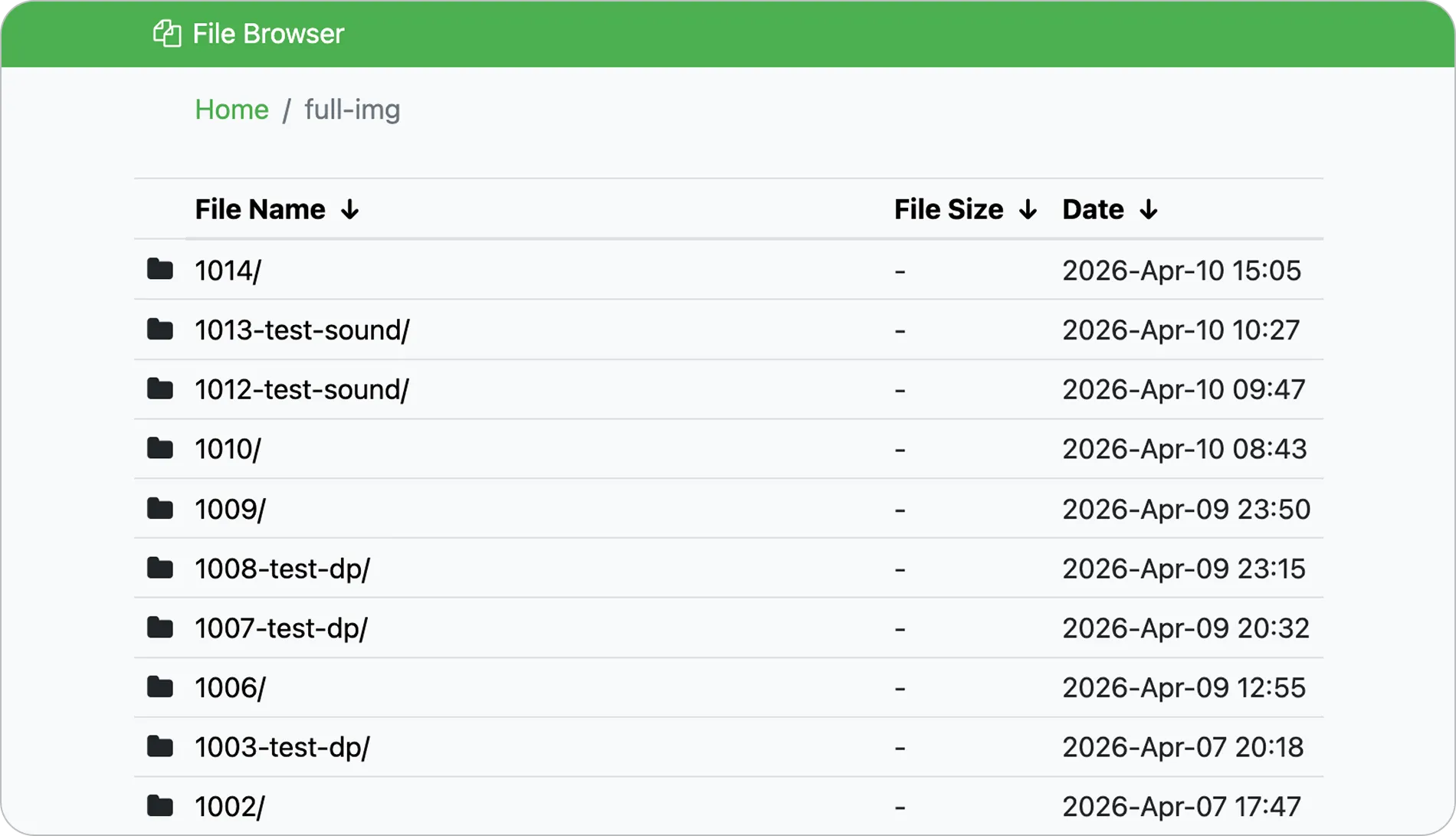
Our official OS image build server automatically builds a new OS image whenever changes are made to any of the GitHub repositories included in the build process. You can monitor the build status in the server’s web interface.
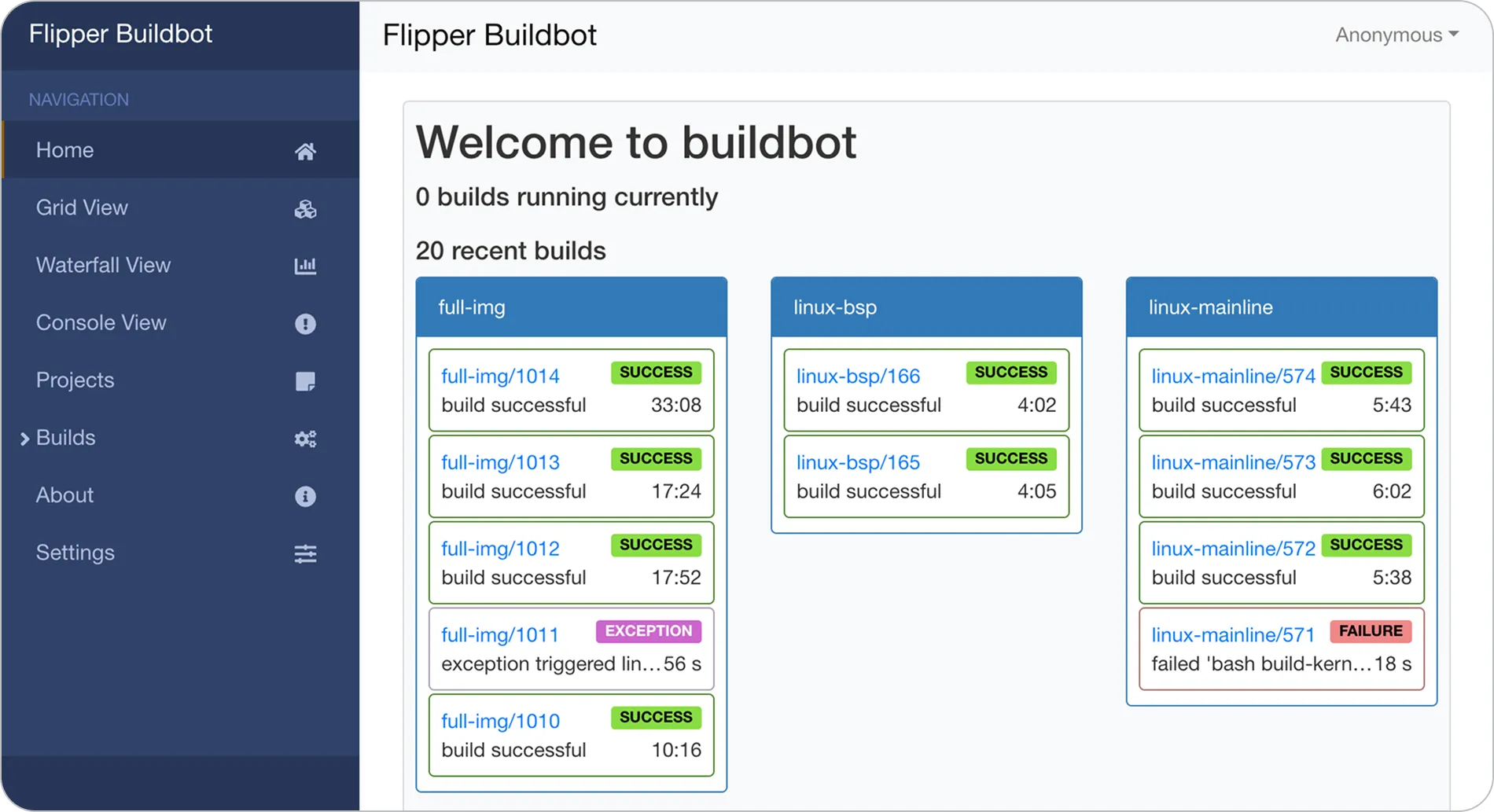
Once the build succeeds, full-disk images for all supported RK3576-based boards listed under supported boards are published on the web server, where they can be downloaded.
See also:
- Build system — build system architecture and image build flow.
- How to build a Linux image — building the OS image locally.
- How to install a Linux image — installing a full-disk OS image on a supported board.
📁 GitHub repositories
The Linux (CPU Software) sub-project includes several public GitHub repositories containing Linux OS components and flashing tools:
- Linux build scripts — Linux OS image build scripts for supported RK3576-based boards. These scripts can be used to build the OS image locally and are also used by the official OS image build server to produce release images.
- Rkbin — Rockchip RK3576 binaries, including DDR trainer and internal storage access binaries in MaskROM mode.
- U-Boot — Mirror of the official U-Boot bootloader sources with RK3576-specific patches not in mainline yet.
- Linux kernel — Our fork of the latest mainline Linux kernel release with patches not in mainline yet.
How to contribute
The Linux (CPU Software) sub-project accepts contributions in two forms: comments on open tasks for ideas, suggestions, improvements, and pull requests for code changes to OS components such as the bootloader, kernels, build scripts, or flashing tools.
Comment on an open task
⚠️ Contributions only — no flooding
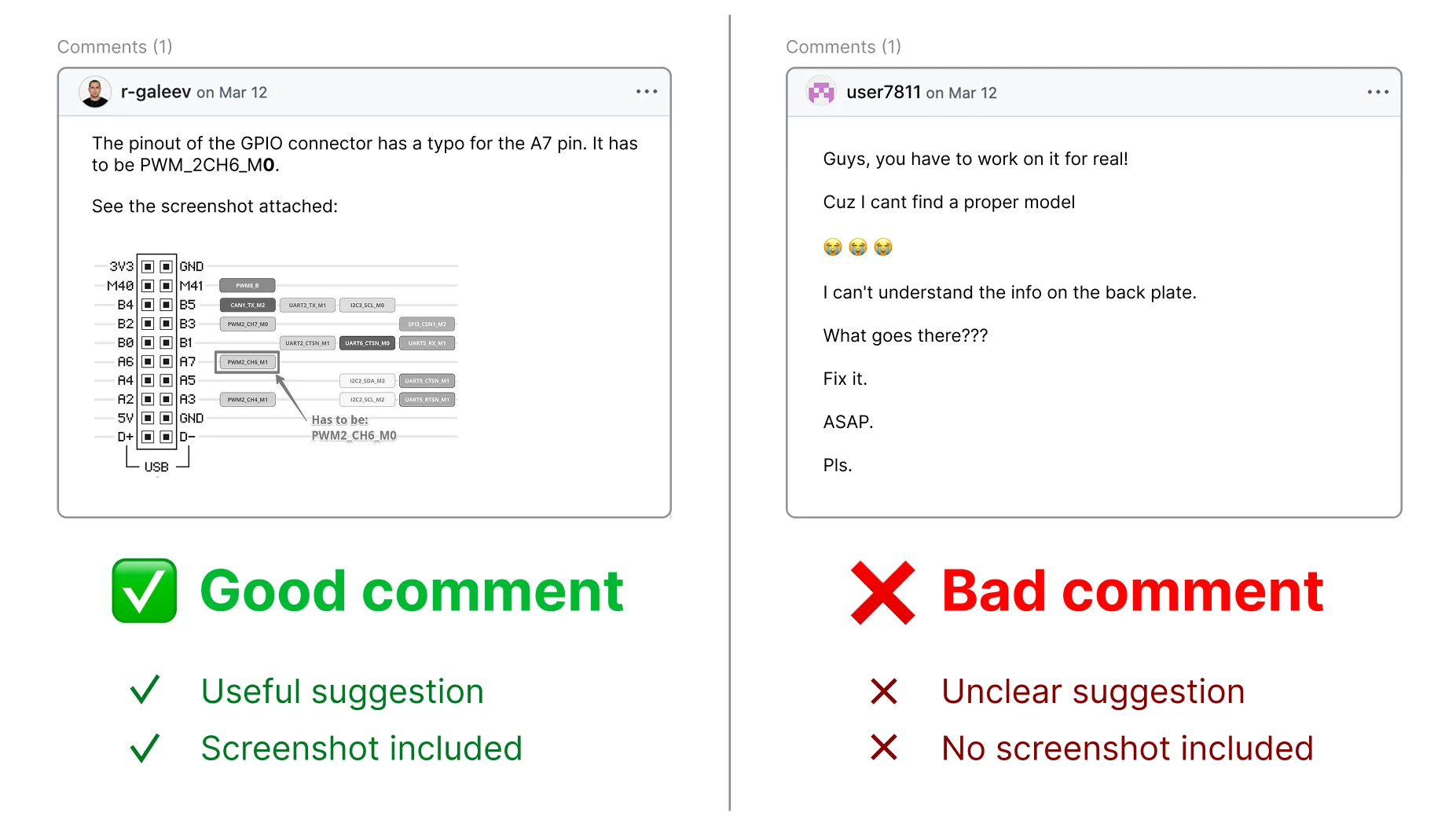
To keep collaboration productive, please keep comments on-topic. Open tasks are for contribution-related discussion only. If you have an idea or concern, first turn it into a concrete contribution and share it as a comment on a task. For general questions or discussions, you're always welcome to join the conversation on social media or Discord!
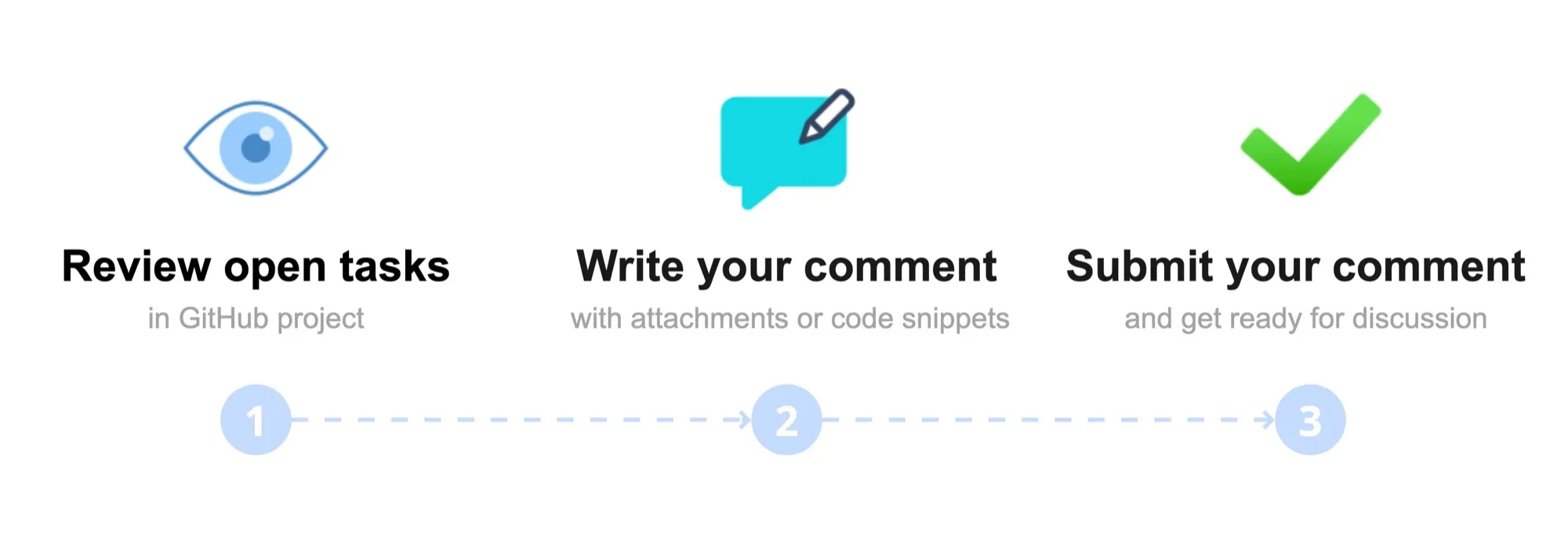
Open tasks that need the community's help are labeled help wanted. If you have ideas on how to improve OS components, you can contribute by commenting on the task and attaching screenshots, videos, code snippets, or links:
Pick a task. In the Linux (CPU Software) GitHub project, browse the open tasks and click the one labeled help wanted that you want to contribute to.
Write your suggestion. In the comments section, clearly describe your suggestion and, if helpful, attach a screenshot, video, code snippet, or link to a draft pull request.
Attachment size limit:
- Images: 10 MB
- Videos: 100 MB
Click Comment to submit.
We review all comments carefully! We may ask additional questions about your idea in the task thread, so please watch for GitHub notifications in your email.
Contribute to Linux OS via a pull request
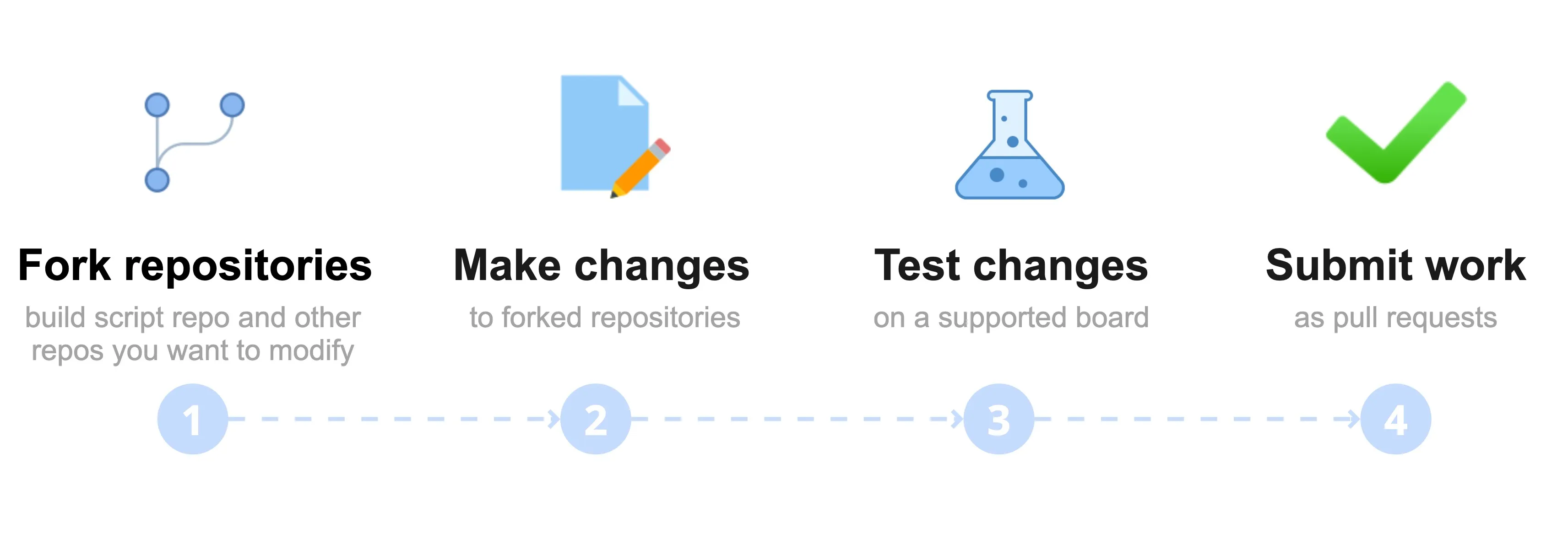
Contributing via pull requests allows anyone to propose changes to the components of our Linux OS. You don't need a Flipper One to test — any supported RK3576-based development board works. Once a PR is merged, your changes become part of the official OS builds.
Fork and clone the Linux build scripts repository.
Set up your own copies of OS components. During the build, the scripts pull public GitHub repositories for components such as the kernel and U-Boot. Learn more: Build system.
To modify these components without touching the originals:
- Fork each component repo on GitHub, then clone your fork locally.
- Edit the build scripts to point at your forks.
Make your changes in the cloned repositories.
Build the OS image locally. Learn more on the How to build a Linux image page.
Test your changes. Flash the OS image to a supported board and check your changes. Learn how to install a Linux image.
Open pull requests to all repositories you modified.
We review all pull requests carefully! We may ask additional questions in the PR thread, so please watch for GitHub notifications in your email.