About Testing
This page explains the structure of the Testing sub-project, provides links to public testing resources, and describes how to contribute to the sub-project.
The Testing sub-project covers checks for RK3576-based boards used in Flipper One development. Its goal is to turn each device feature into a repeatable test with a clear result. Testing currently prioritizes hardware verification, but test notes and assets can also cover user-interface or sound checks when those areas need repeatable pass/fail criteria.
The Testing sub-project consists of:
✅ Task tracker
The public Testing project board tracks open work for the Testing sub-project. There, you can see what the team is working on, follow progress, and find tasks that need community help.
Some tasks are open to the community and marked with a help wanted label. You’re welcome to join the discussion on these tasks or submit test results when a task asks for them.
📚 Manual test descriptions
The Testing docs explain what should be checked for each subsystem. These pages are meant to complement the scripts: the docs describe the test goal, setup, expected result, and known gaps, while the repository contains runnable scripts or assets when they are available.
Docs in this section follow the same order as the navigation:
- General - boot targets, test images, and common setup notes.
- Power - power-management testing notes.
- Graphics - GPU, HDMI, USB-C DisplayPort, and no-graphics boot target checks.
- Video Decoding - video-decoding checks under graphics testing.
- Network - Wi-Fi and Bluetooth test scenarios.
- Expansion modules (M.2) - M.2 expansion-module test notes.
- Cellular Modems - cellular modem tests for M.2 modules.
Hardware verification
At this stage, testing is mainly used to verify whether each hardware component performs its intended function. A good test should answer a narrow question, for example:
- Does the interface come up?
- Does the expected device appear in Linux?
- Does the measured value stay inside the expected range?
- Does the output match the selected boot target?
Each test should end with a clear YES/NO or pass/fail result. When a result is not clear, document the exact observation and mark the open question instead of hiding it behind a vague pass.
Test bench
TODO: Describe publicly available test setup.
📁 Automated test scripts
The public flipperone-testing repository contains scripts and test assets for RK3576-based boards. It includes a shared test runner, module directories for major subsystems, and a results/ directory layout for generated reports.
To avoid duplicating a fast-changing list of implemented tests here, use the repository README as the current index of available automated checks, supported modules, and report formats.
How to contribute
The Testing sub-project accepts contributions in three forms:
- Comments on open task with ideas, suggestions, and improvements.
- Testing and uploading test results to open testing tasks.
Comment on an open task
If you have an idea on how to improve a test, add missing setup details, or clarify expected results, comment on a relevant task in the Testing project board.
⚠️ Contributions only — no flooding
To keep collaboration productive, please keep comments on-topic. Open tasks are for contribution-related discussion only. If you have an idea or concern, first turn it into a concrete contribution and share it as a comment on a task. For general questions or discussions, you're always welcome to join the conversation on social media or Discord!
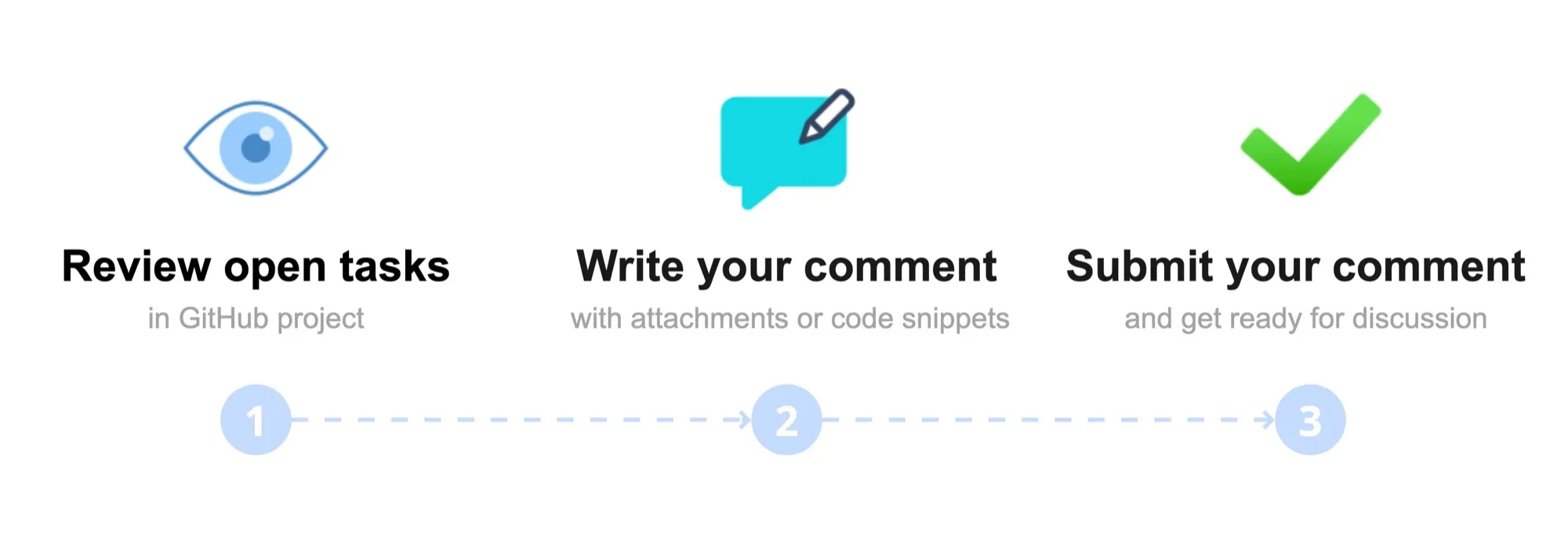
If you have an idea on how to improve a test, add missing setup details, clarify expected results, or share a test report, comment on a help wanted task in the Testing project board.
Pick a task. In the Testing GitHub project, browse the open tasks and click the one labeled help wanted that you want to contribute to.
Write your suggestion or report. In the comments section, clearly describe your contribution and, if helpful, attach screenshots, videos, code snippets, logs, result files, or links to a draft pull request.
Attachment size limit:
- Images: 10 MB
- Videos: 100 MB
Click Comment to submit.
We review all comments carefully! We may ask additional questions about your idea in the task thread, so please watch for GitHub notifications in your email.
Test and report the results
Testing tasks are published in the Task Tracker with the help wanted label. Each testing task contains all essential testing requirements, as well as the expected format for submitting a test report.
Review the testing requirements and perform the test. Attach your test report as a comment in the task thread.
Contribute via a pull request
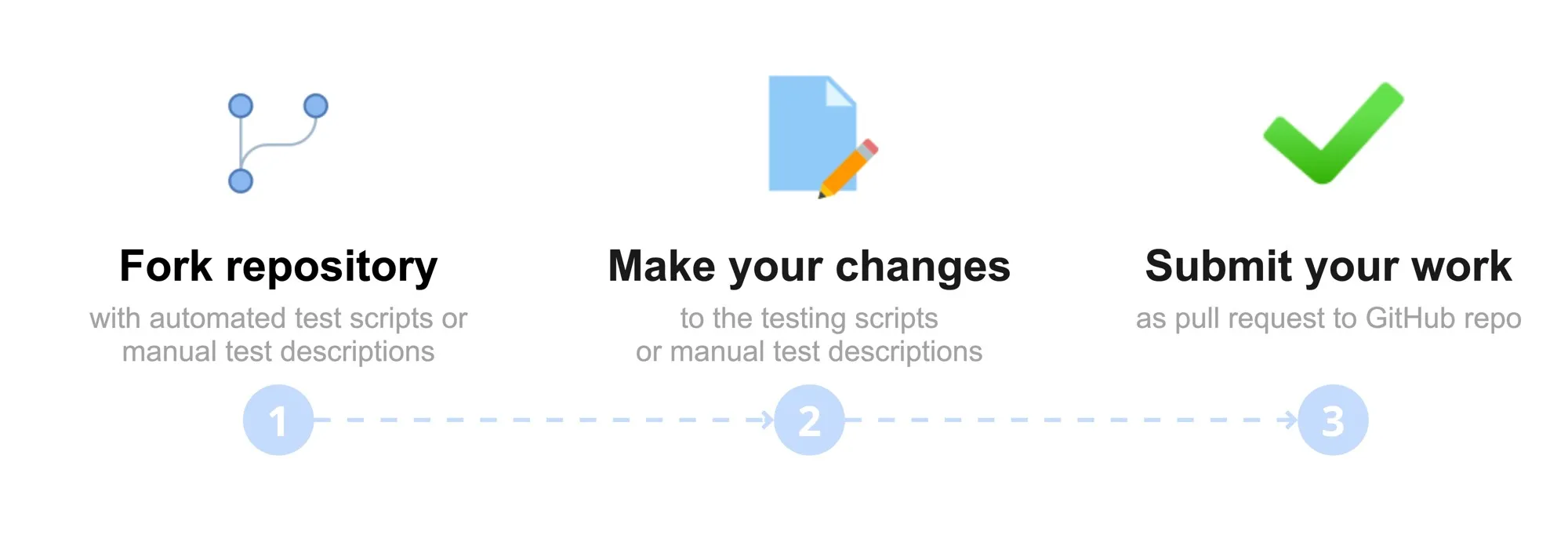
Contributing via pull requests allows anyone to propose changes to the automated test scripts in the flipperone-testing repository on to manual test descriptions in the flipperone-docs repository.
Fork and clone the repository (flipperone-testing for changing testing scripts or flipperone-docs for changing manual test descriptions).
Make your changes in the cloned repository.
Open a pull request to the repository.
We review all pull requests carefully! We may ask additional questions in the PR thread, so please watch for GitHub notifications in your email.