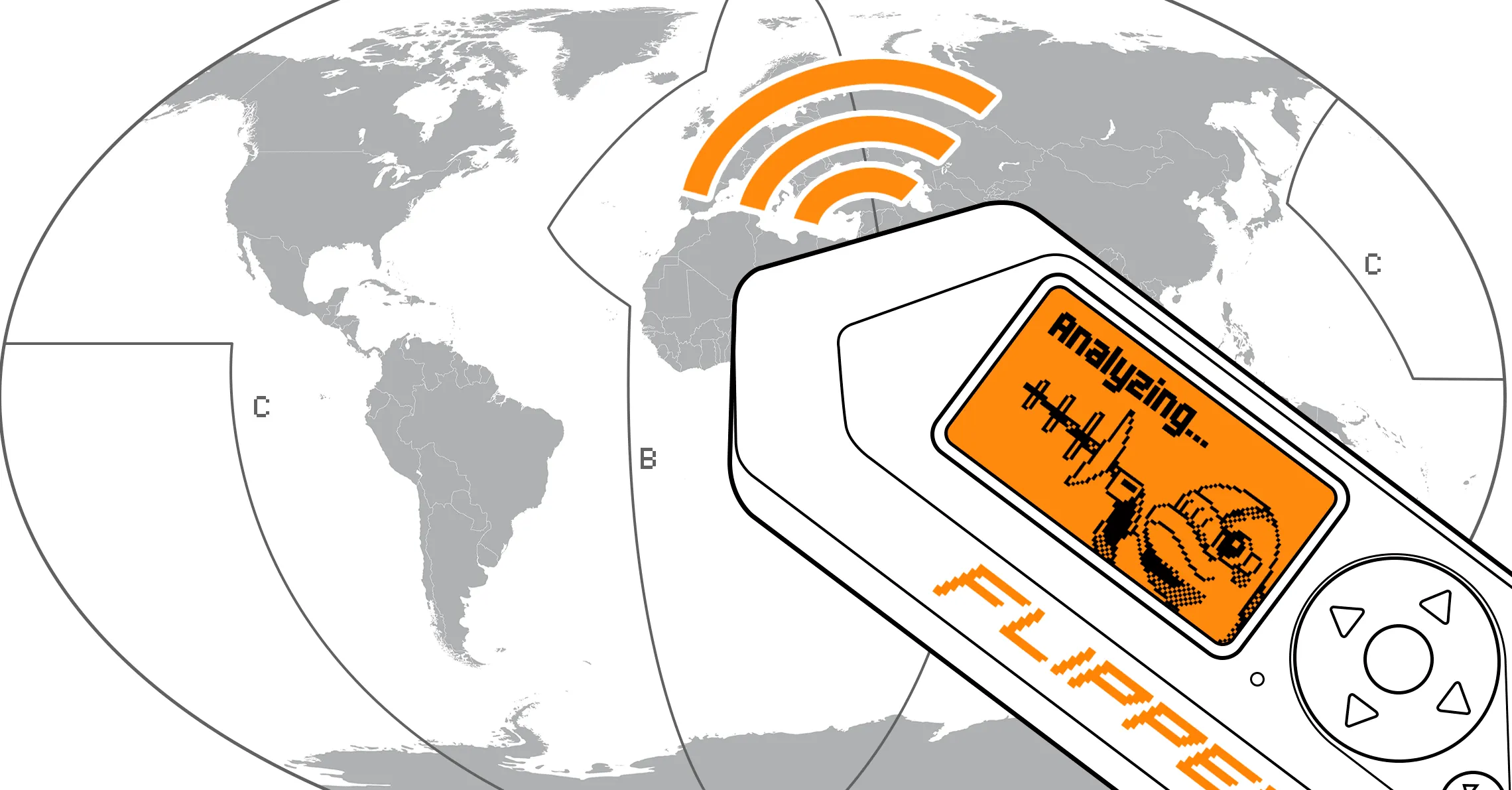
Sub-GHz
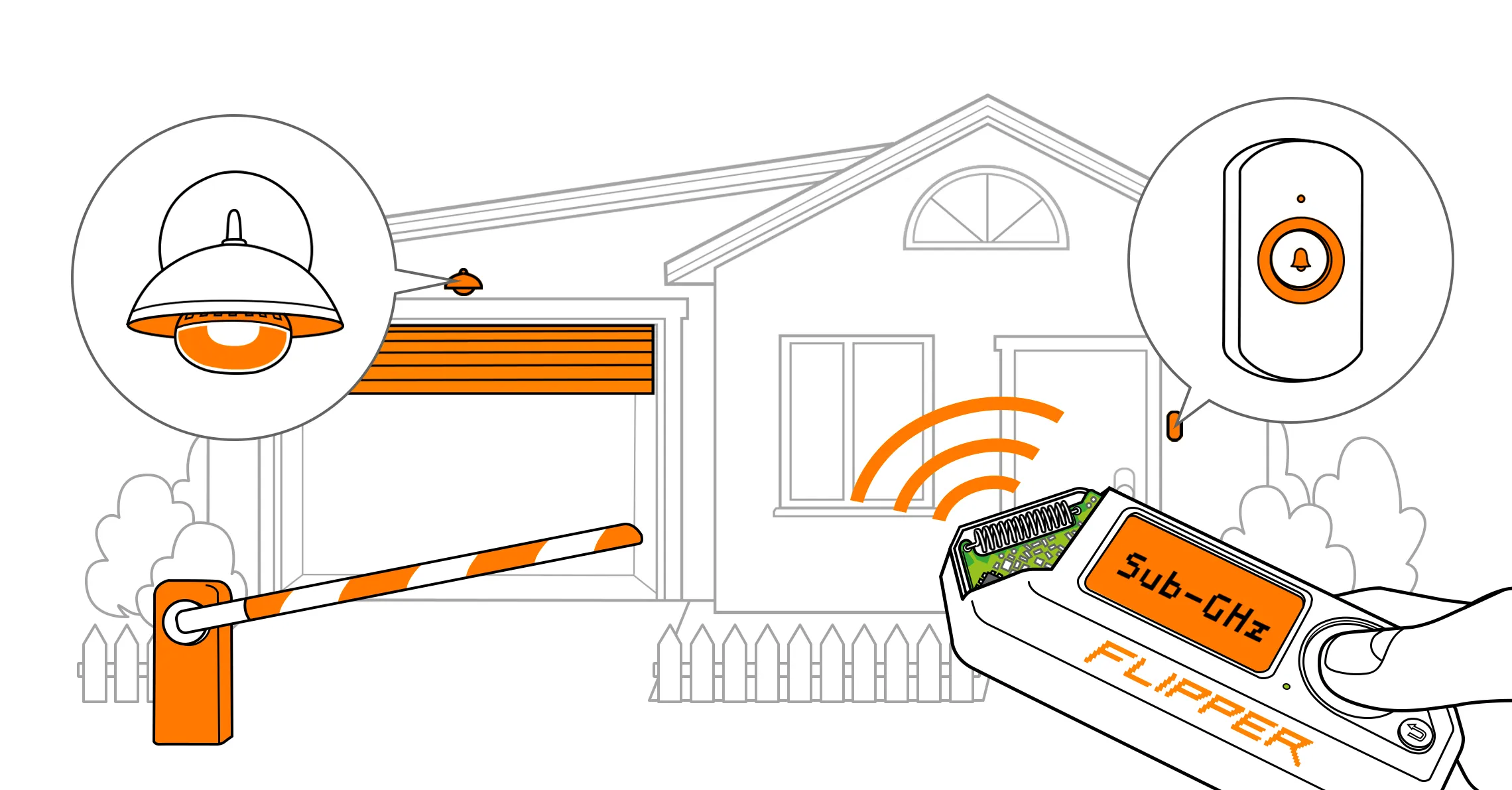
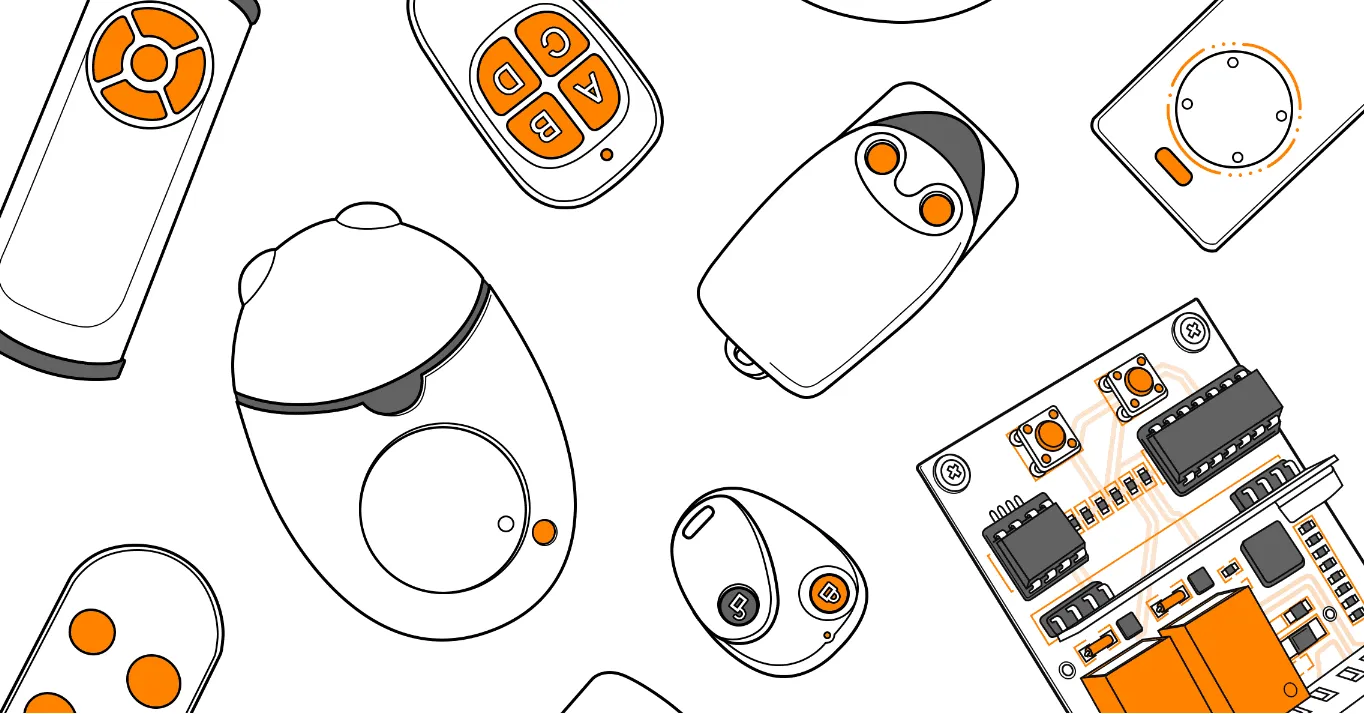
Flipper Zero can receive and transmit radio frequencies in the range of 300-928 MHz with its built-in module, which can read, save, and emulate remote controls. These controls are used for interaction with gates, barriers, radio locks, remote control switches, wireless doorbells, smart lights, and more. Flipper Zero can help you learn if your security is compromised.
On this page, you’ll find an overview of the Sub-GHz application and learn more about the hardware behind the sub-1 GHz module.
Sub-GHz menu
You can access the Sub-GHz application from the Main Menu. In the application, you can read and emulate remote controls, add controls manually, and determine the remote’s frequency.
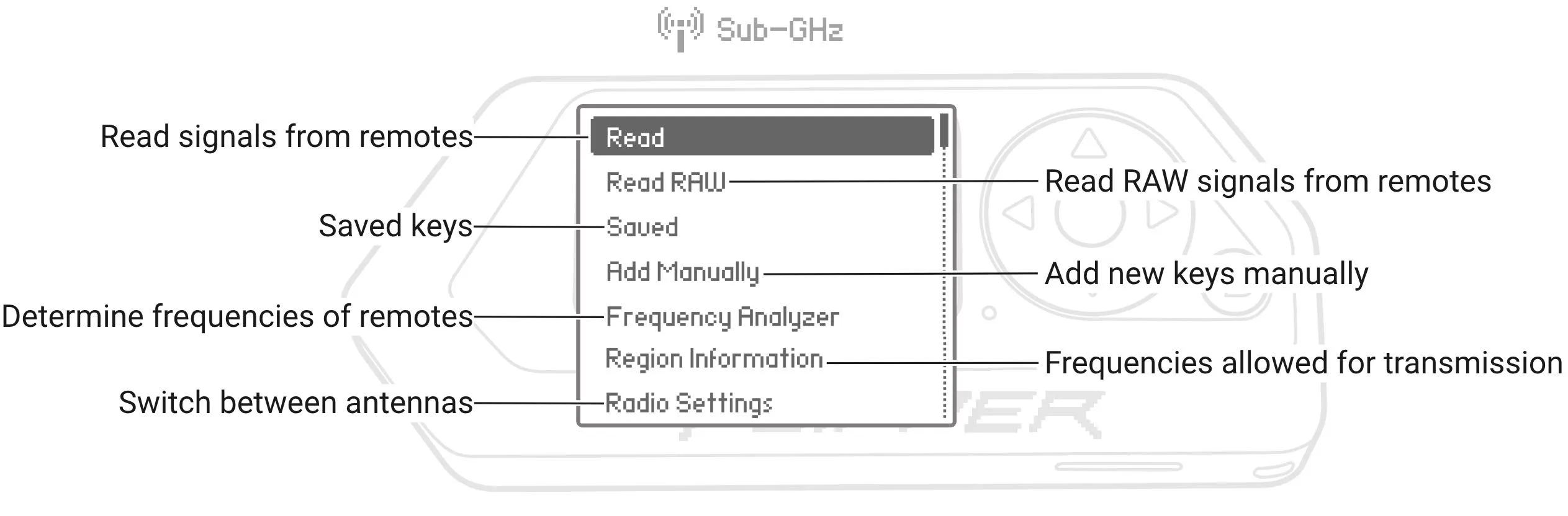
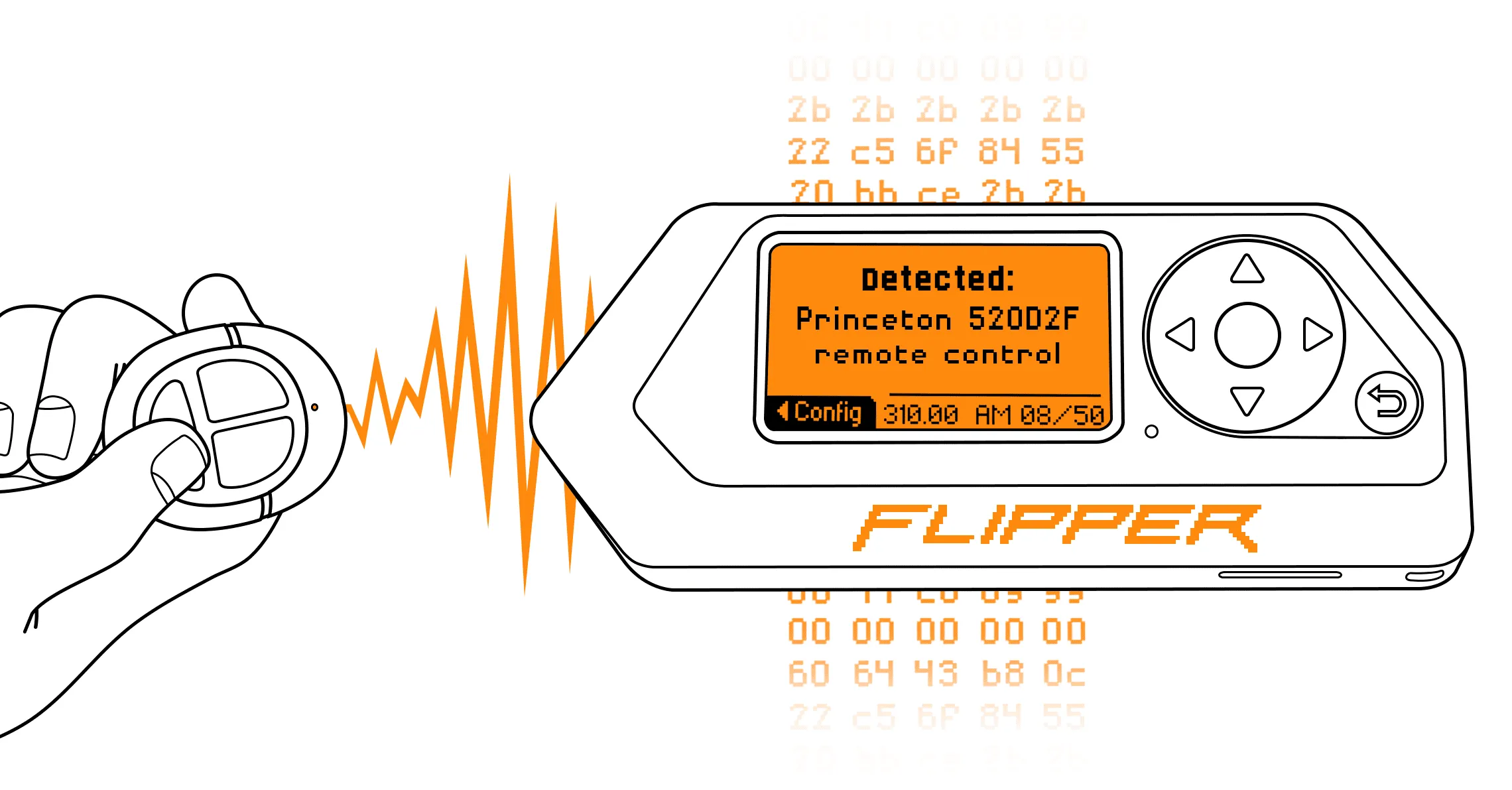
- Read: reads and decodes signals based on known protocols. If the protocol is static, Flipper Zero saves the signal.
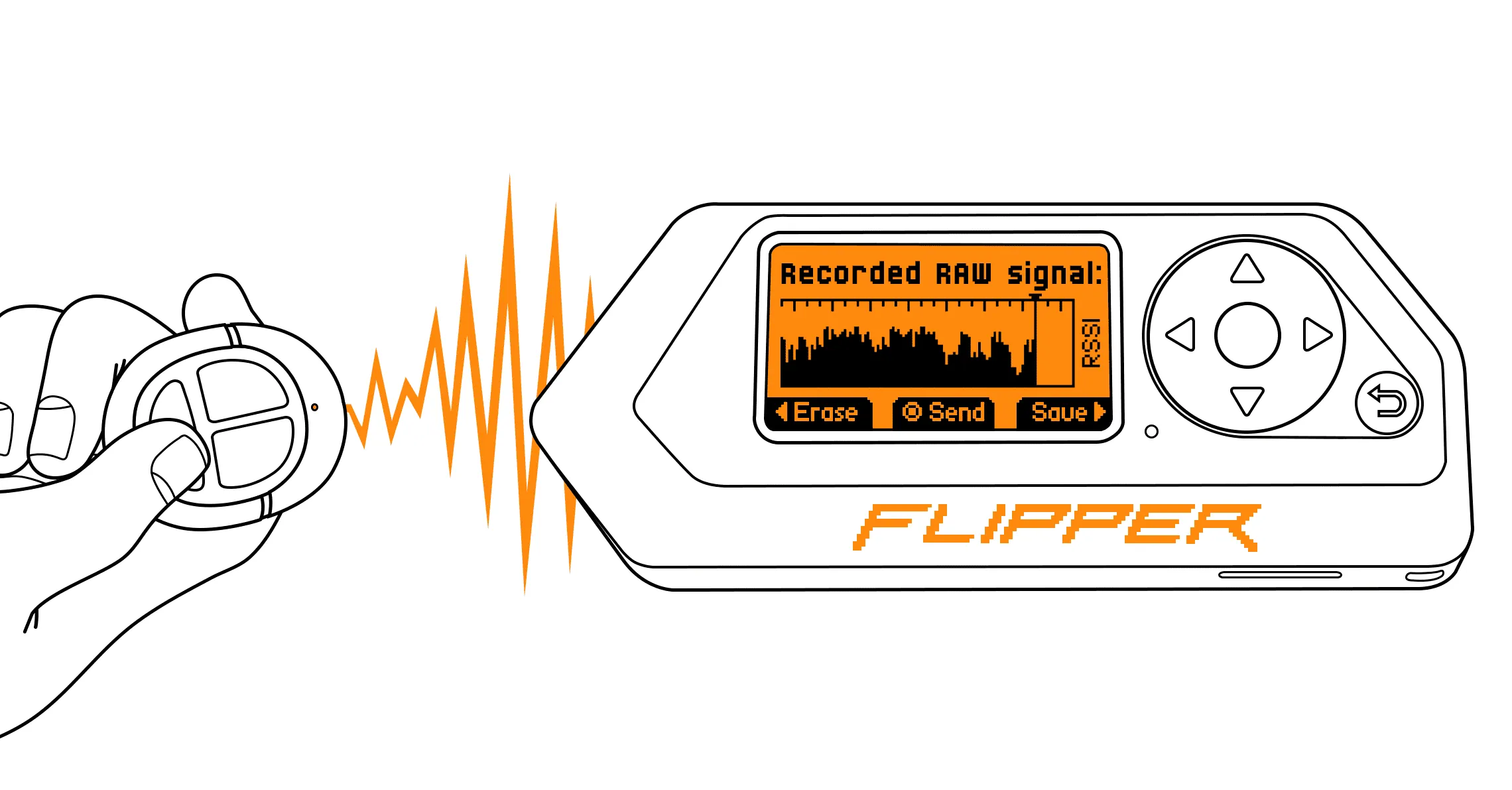
- Read RAW: reads and saves signals in a raw format, including signals from remotes with unknown protocols.
- Saved: lists saved signals, which can be emulated and renamed.
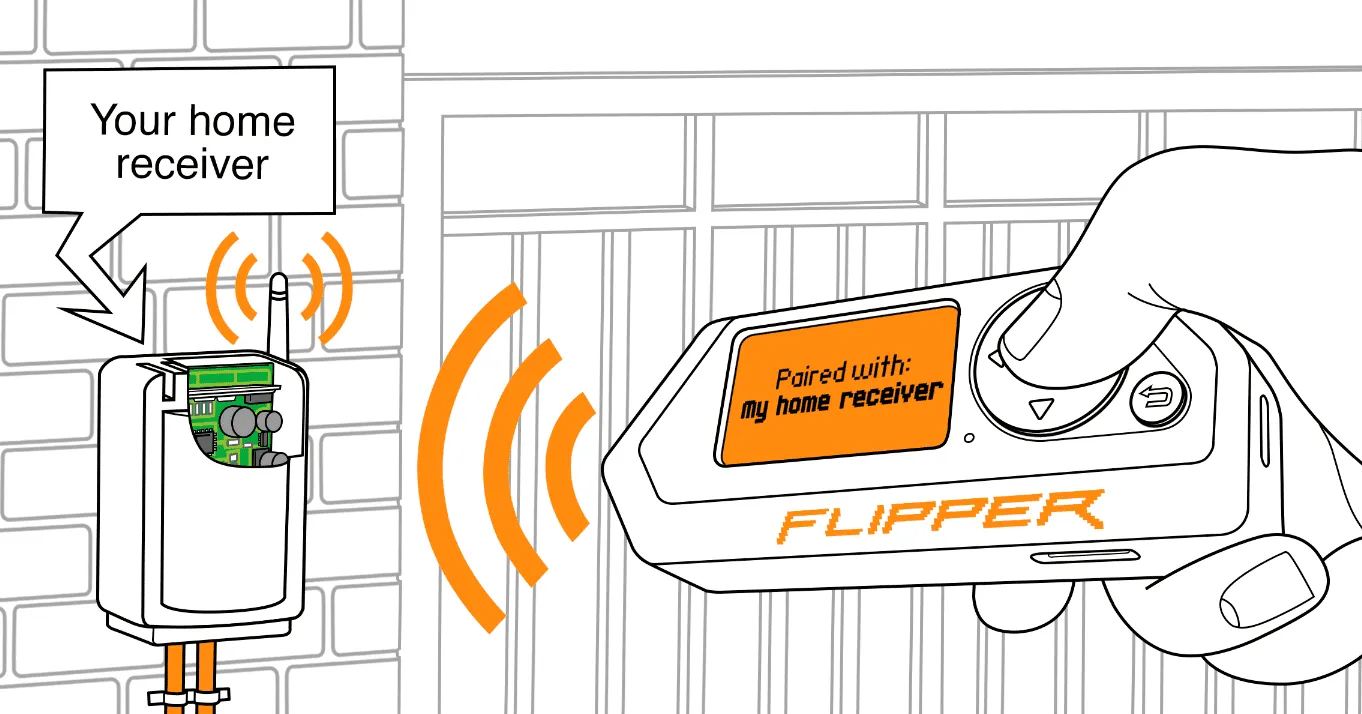
- Add Manually: creates a virtual remote control that can be paired with a reader.
- Frequency Analyzer: determines frequencies at which the signal is sent by the remote.
- Region Information: provides information about your region and lists frequencies allowed for transmission. For more information about regions, visit Frequencies.
- Radio Settings: enables switching between the internal antenna and the external antenna if connected.
Sub-GHz hardware
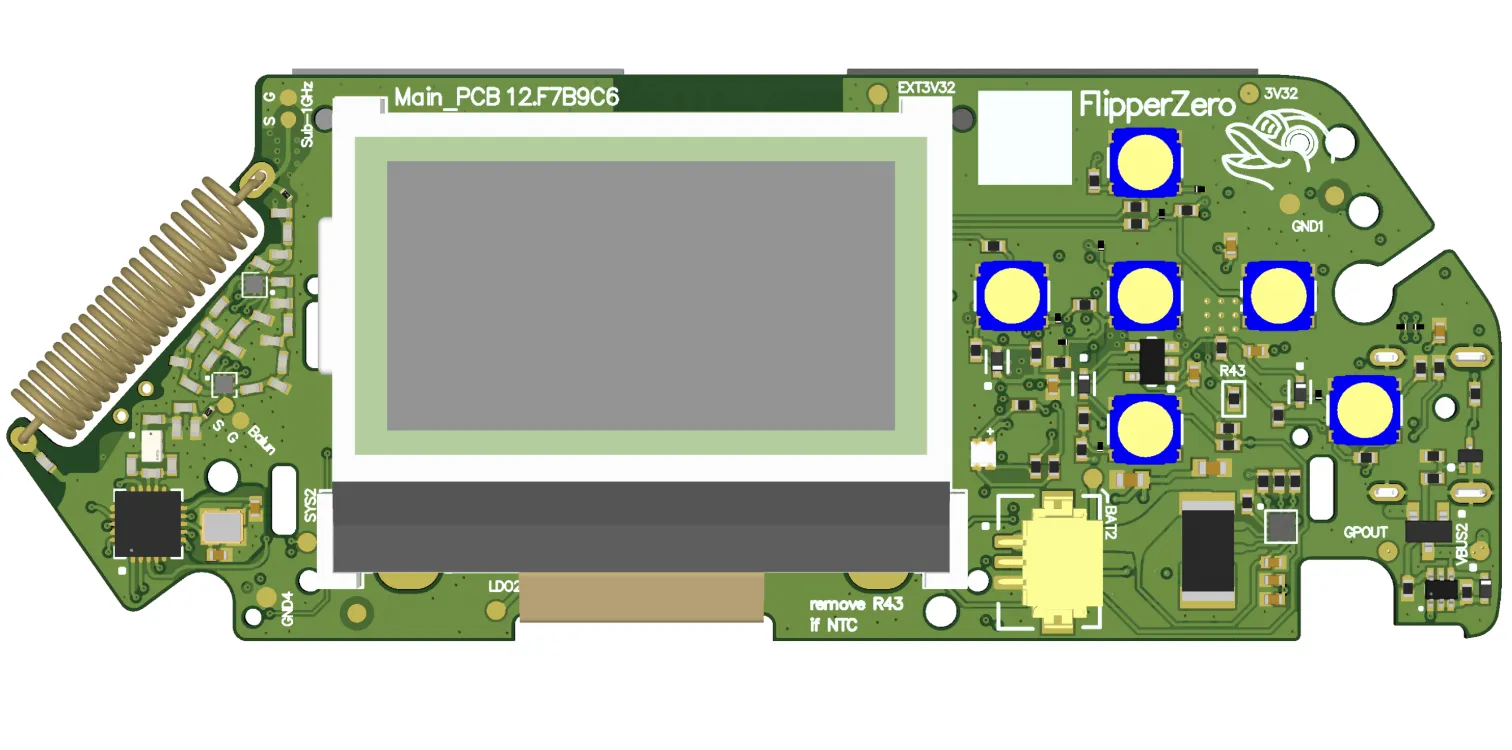
Flipper Zero has a built-in sub-1 GHz module based on a CC1101 transceiver and a radio antenna (the maximum range is 50 meters). Both the CC1101 chip and the antenna are designed to operate at frequencies in the 300-348 MHz, 387-464 MHz, and 779-928 MHz bands.
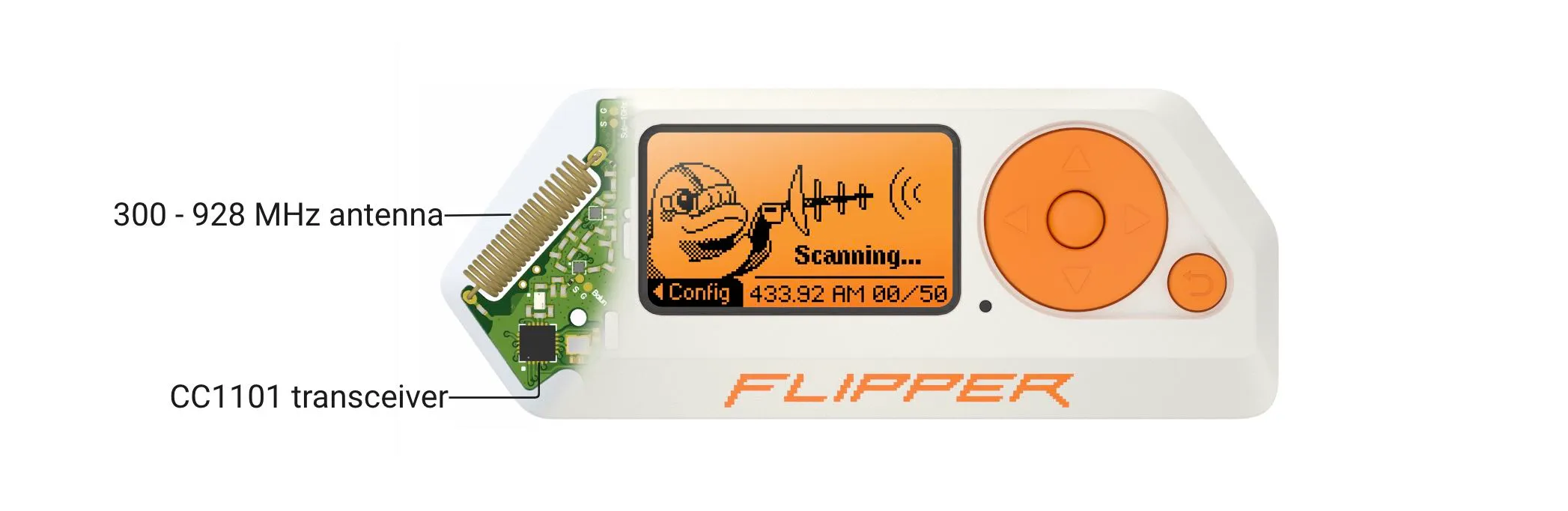
The Sub-GHz application supports external radio modules based on the CC1101 transceiver. For more information, visit this page.
Want to learn more? Check out the following pages: