About Docs
The Developer Portal (also called the wiki or the Docs) is the main documentation for Flipper One sub-projects. We update it as we work on Flipper One, so some pages may change frequently. This page explains how the Docs are organized, how pages are stored and published, and how you can contribute.
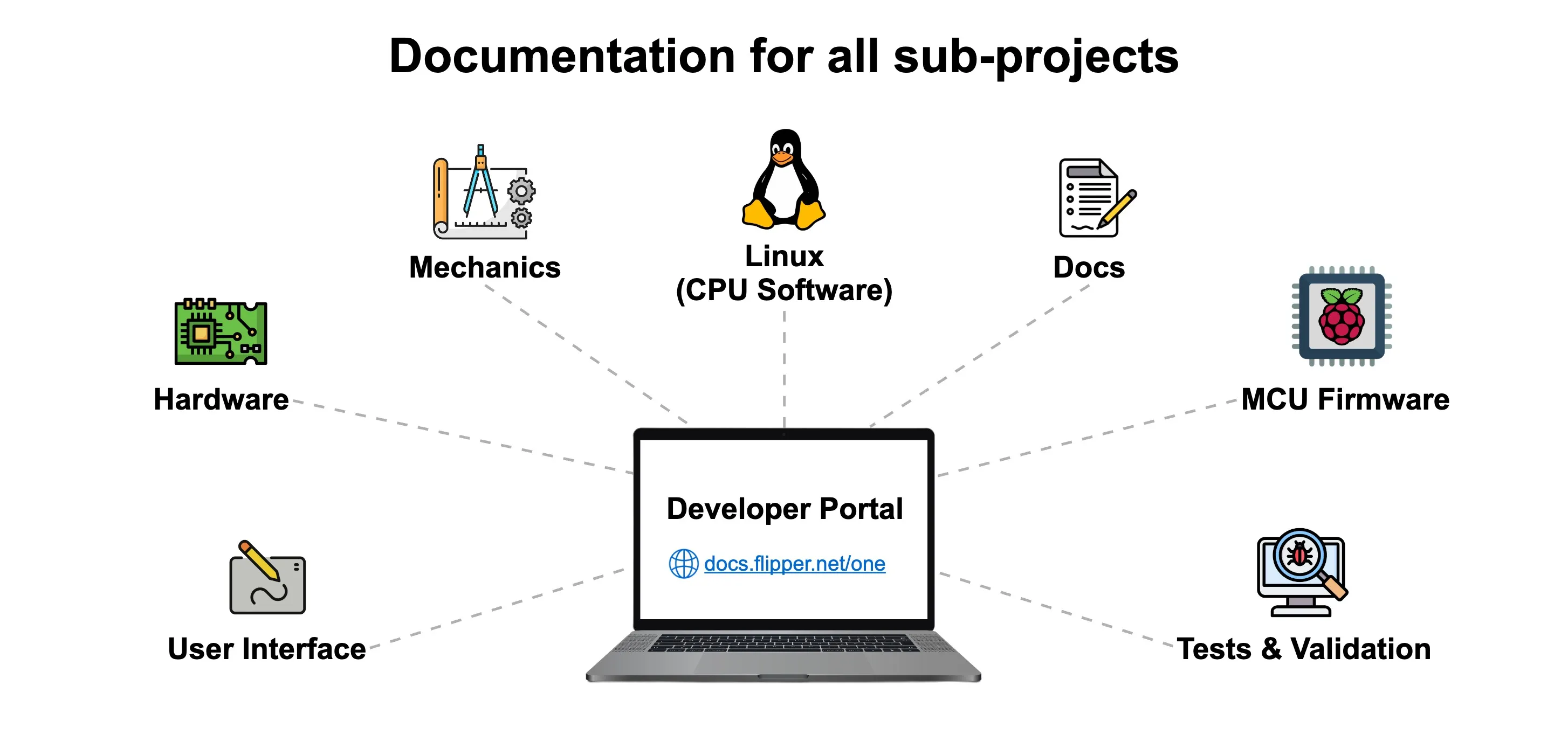
The Docs sub-project covers all documentation for Flipper One: this wiki, technical specs, datasheets, guides, and contribution instructions. Like all other Flipper One sub-projects, it is open for community contribution.
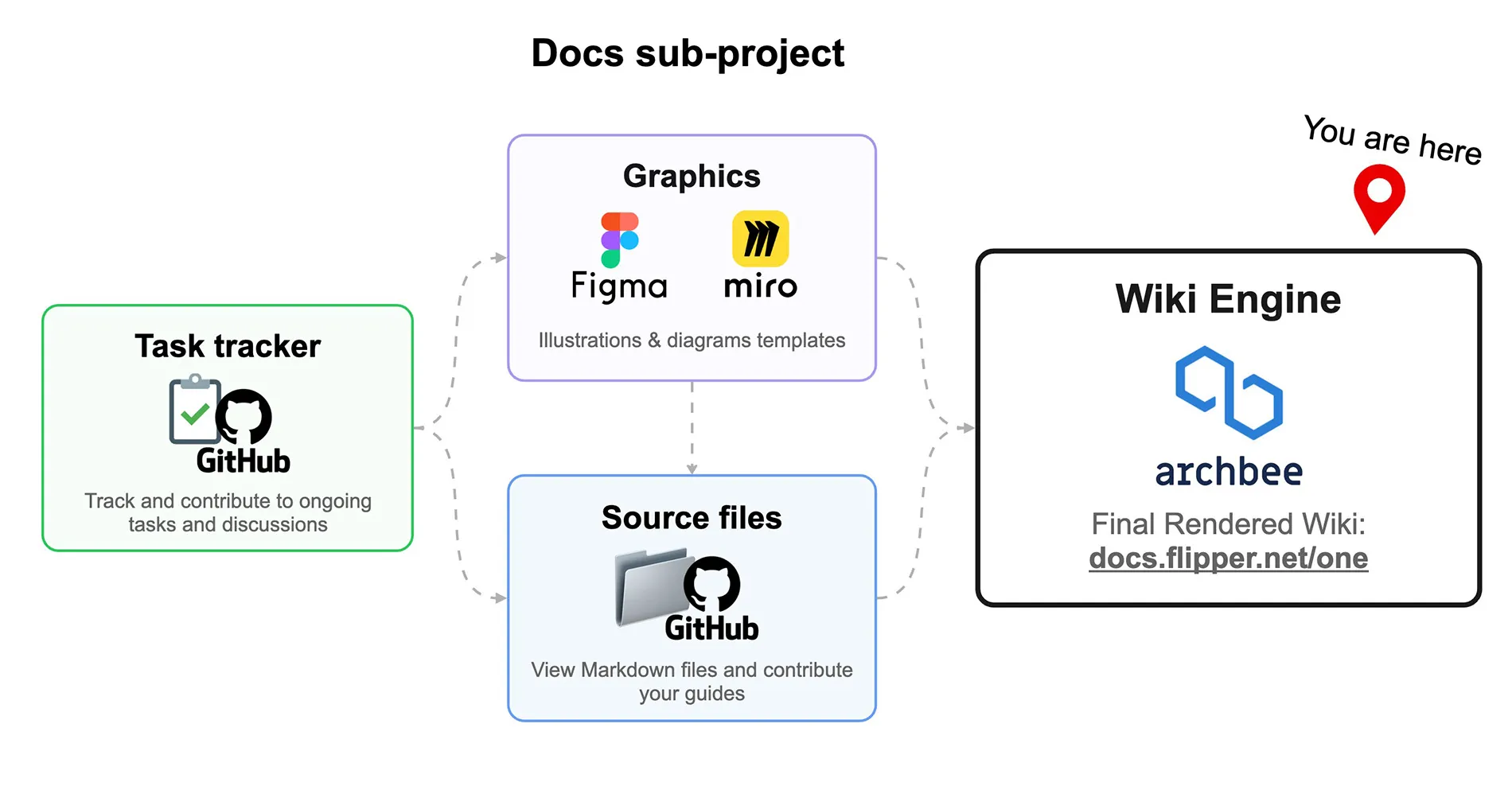
The Docs sub-project consists of:
We’d love your feedback and help so look for tasks tagged help wanted in the task tracker, or contribute directly to the Docs GitHub repository via pull requests.
How the Developer Portal works
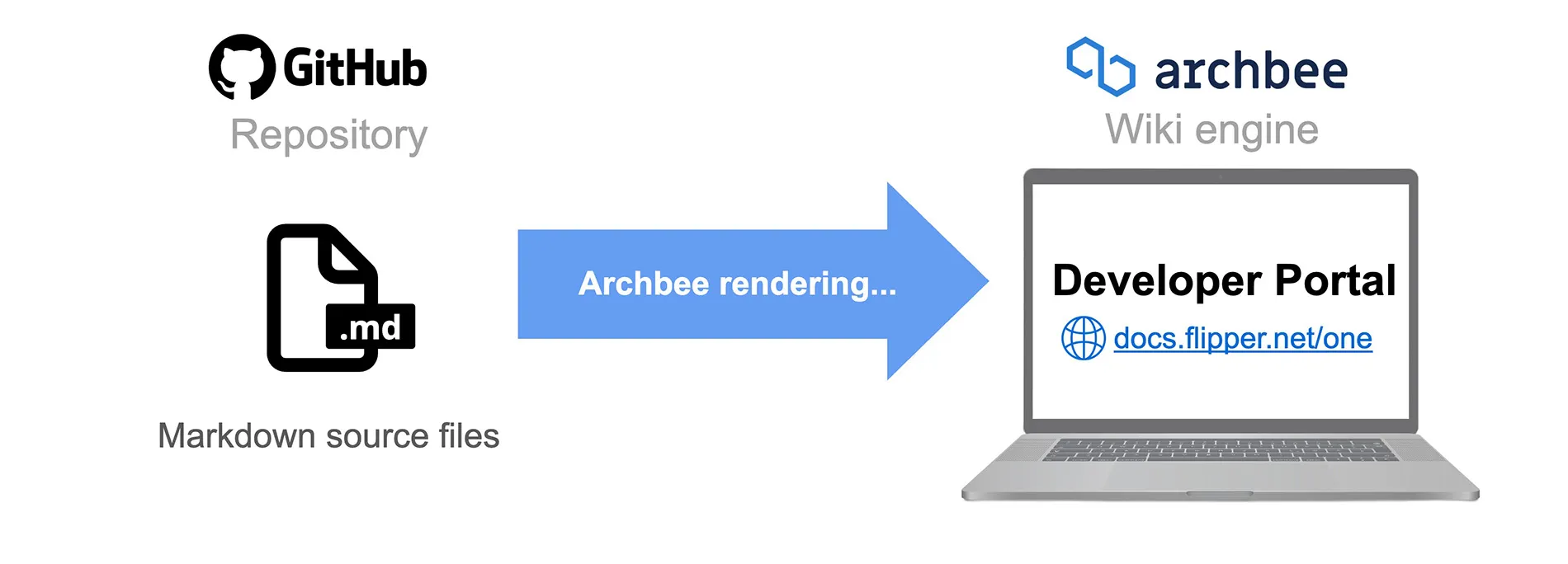
The Flipper One Developer Portal is hosted on Archbee, but all source files live in the GitHub repository thanks to Archbee's GitHub integration. Diagrams, screenshots, and illustrations are created in Miro and Figma, then exported to the repository alongside the Markdown.
The repository has one long-lived branch:
- public-release production branch connected to Archbee. All pull requests from contributors target public-release. Once merged, Archbee rebuilds and publishes the live docs at docs.flipper.net/one.
✅ Task tracker
All Docs sub-project tasks are tracked in the GitHub project Flipper One — Docs. There, you can see what the team is working on and find open tasks where the community can help.
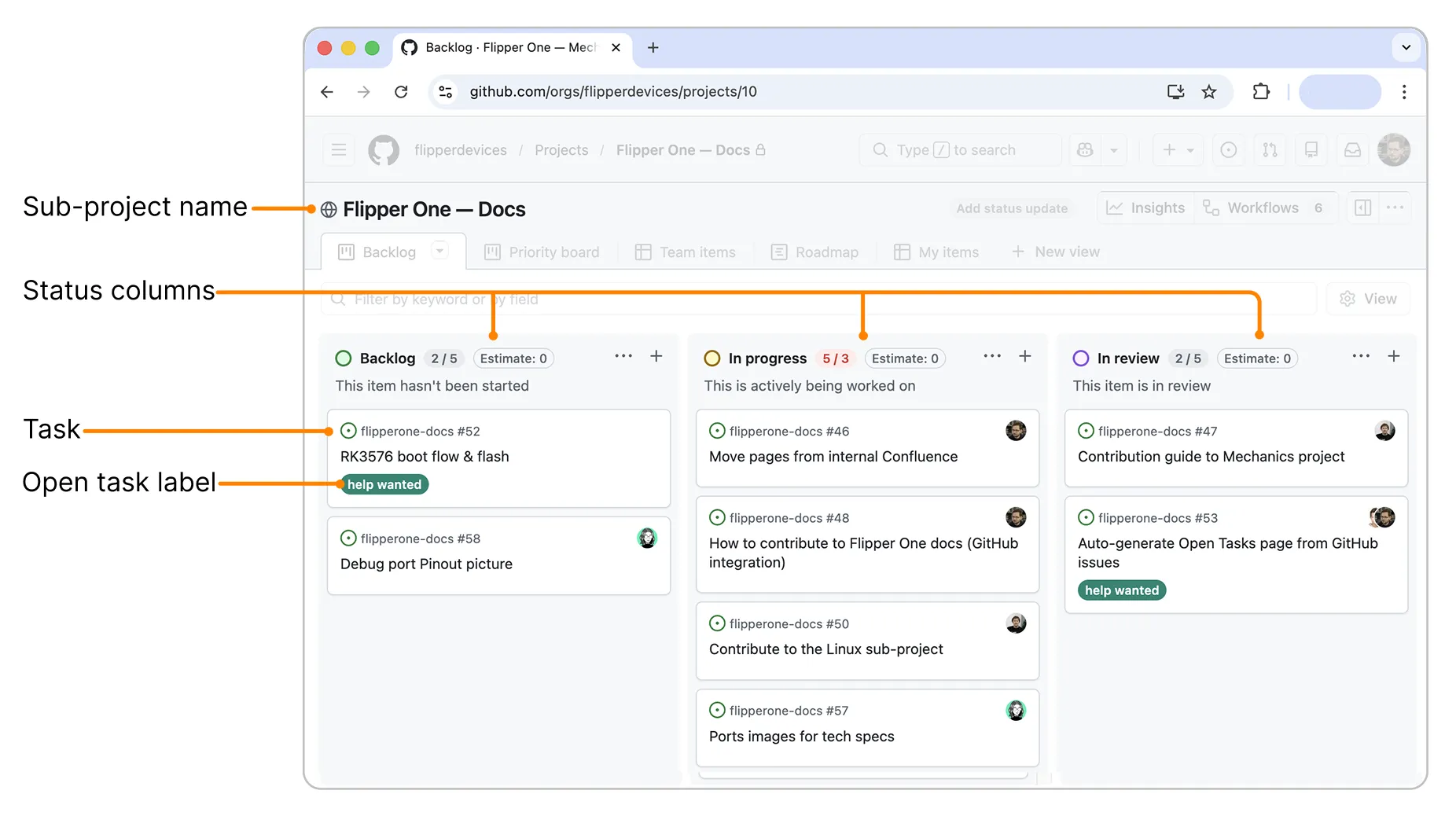
Tasks labeled help wanted are open for contribution. You’re welcome to join discussions or submit changes, but please read the Contribution guideContribution guide first.
📁 GitHub repository structure
The flipperone-docs repository contains the source files for the entire Developer Portal:
flipperone-docs/
├── .github/
│   └── workflows/
│       ├── update-open-tasks.yml  # Regenerates Open-tasks.md
│       └── validate.yml           # Validates docs structure and links on PRs
├── archbee.json                   # Sidebar hierarchy + Archbee integration settings
├── README.md                      # Repository overview
├── tools/
│   └── generate_open_tasks.py     # Generates Open-tasks.md from GitHub issues
└── docs/
    ├── Welcome.md                 # Main page at docs.flipper.net/one
    ├── How-to-join.md
    ├── Open-tasks.md              # Auto-generated — do not edit manually
    ├── general/                   # Tech specs, controls, and features
    ├── hardware/                  # 🔌 Hardware sub-project
    ├── mechanics/                 # ⚙️ Mechanics sub-project
    ├── cpu-software/              # 🐧 Linux (CPU Software) sub-project
    ├── mcu-firmware/              # 🕹️ MCU Firmware sub-project
    ├── user-interface/            # 🎨 User Interface sub-project
    ├── testing/                   # 🧪 Testing sub-project
    ├── resources/
    │   ├── docs/                  # Docs sub-project
    │   └── rockchip/              # Rockchip RK3576 reference
    └── files/
        ├── pics/                  # Images and other assets
        └── icons/                 # OS / brand icons used in docs
Markdown and Archbee syntax
All pages in the Developer Portal are written in Markdown (.md). On top of standard Markdown, Archbee adds a set of components for callouts, tabs, workflow blocks, embedded media, and more.
For the full list of supported syntax with live examples, see the Markup referenceMarkup reference page. It covers:
- Headings, lists, links, and tables
- Callouts
- Images and videos
- Code blocks and tabbed code
- Workflow steps and other Archbee components
Always check the Markup referenceMarkup reference page before writing or editing as some Markdown features behave differently in Archbee, and component syntax can be easy to mistype.
Writing style
Syntax is only half the picture. The Developer Portal also follows a shared Style guideStyle guide so every page keeps a consistent tone, voice, and formatting. It covers:
- Tone of voice
- Language, spelling, and terminology
- Headings, links, lists, and emphasis
- Numbers, units, punctuation, and typography
Skim the Style guideStyle guide before opening a pull request. Matching the existing tone and formatting helps your contribution get merged faster.
Images and other assets
All images, diagrams, and screenshots live in a single folder: docs/files/pics/. Keeping everything in one place makes it easier to find, reuse, and clean up unused files.
To use an image in a page, reference it from your Markdown using a relative path:
For richer Archbee image syntax (positioning, captions, sizing), see the Markup referenceMarkup reference page.
Naming and size guidelines:
- Use descriptive, lowercase filenames with hyphens (for example, gpio-pinout.png, not IMG_0042.PNG).
- Compress large screenshots before committing. Keep individual files under a few MB where possible.
- Prefer .png for screenshots and diagrams, .jpg for photos.
How archbee.json works
archbee.json lives at the repository root and defines the Developer Portal’s left sidebar (table of contents): sections, page names, file paths, and nesting levels.
When adding a new page, always update archbee.json to include it. Without this, the page won’t appear in the sidebar, and readers won’t be able to find it.
Syntax
The sidebar tree lives in structure.docsTree — an array of entries that are either pages or category groups. For example:
{
  "root": "./docs",
  "structure": {
    "readme": "Welcome.md",
    "assets": "files",
    "docsTree": [
      {
        "categoryName": "Welcome",
        "isCategory": false,
        "path": "Welcome.md",
        "children": []
      },
      {
        "categoryName": "🔌 Hardware",
        "isCategory": true,
        "children": [
          {
            "categoryName": "About Hardware",
            "isCategory": false,
            "path": "hardware/About-Hardware.md",
            "children": []
          },
          {
            "categoryName": "GPIO port",
            "isCategory": false,
            "path": "hardware/GPIO-port.md",
            "children": [
              {
                "categoryName": "GPIO modules",
                "isCategory": false,
                "path": "hardware/GPIO-Modules.md",
                "children": []
              }
            ]
          }
        ]
      }
    ]
  }
}
Rules
- Pages are entries with a path to an .md file inside docs/.
- Categories are group headers that visually separate sections (for example, 🔌 Hardware). They have no path, only nested entries.
- Any page can also have nested sub-pages under it.
- The sidebar label comes from categoryName. Emojis render as-is and are purely cosmetic.
Page metadata
Every page starts with a YAML frontmatter block at the top of the .md file. Archbee reads two fields from it:
- title: the page title shown as the H1 on the live site and as the page name in the sidebar. Do not add a # Title line in the body as Archbee will render it twice.
- slug: the URL path under docs.flipper.net/one/.
Example:
---
title: About Docs
slug: resources/about-docs
---
Adding a new page
- Create the .md file under docs/... and set the title: and slug: fields in the frontmatter.
- Add an entry for it in archbee.json → structure.docsTree at the right place in the hierarchy. Ideally, nesting should not go deeper than two levels.
- Open a pull request to the public-release branch. Once merged, Archbee rebuilds the live site.
📊 Diagrams on Miro
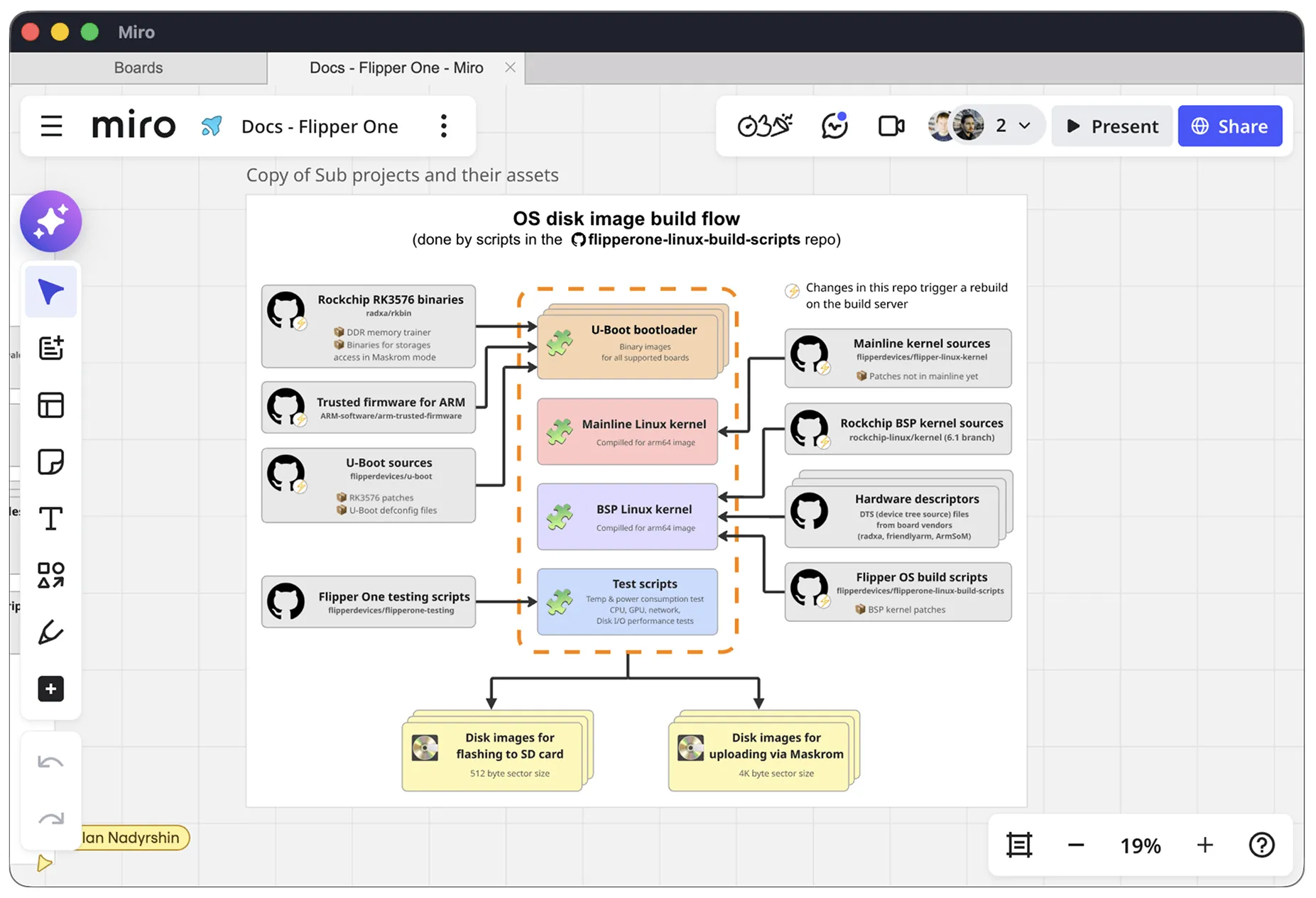
All diagrams used in the Developer Portal, architecture overviews, flow charts, and conceptual visuals are designed on the Flipper One — Docs Miro board.
The board is publicly viewable: anyone can open it, inspect existing diagrams and templates, and export a copy for reference or offline editing.
Spotted an error or have an idea for a new diagram? Share them with us in a pull requestpull request.
🎨 Illustrations on Figma
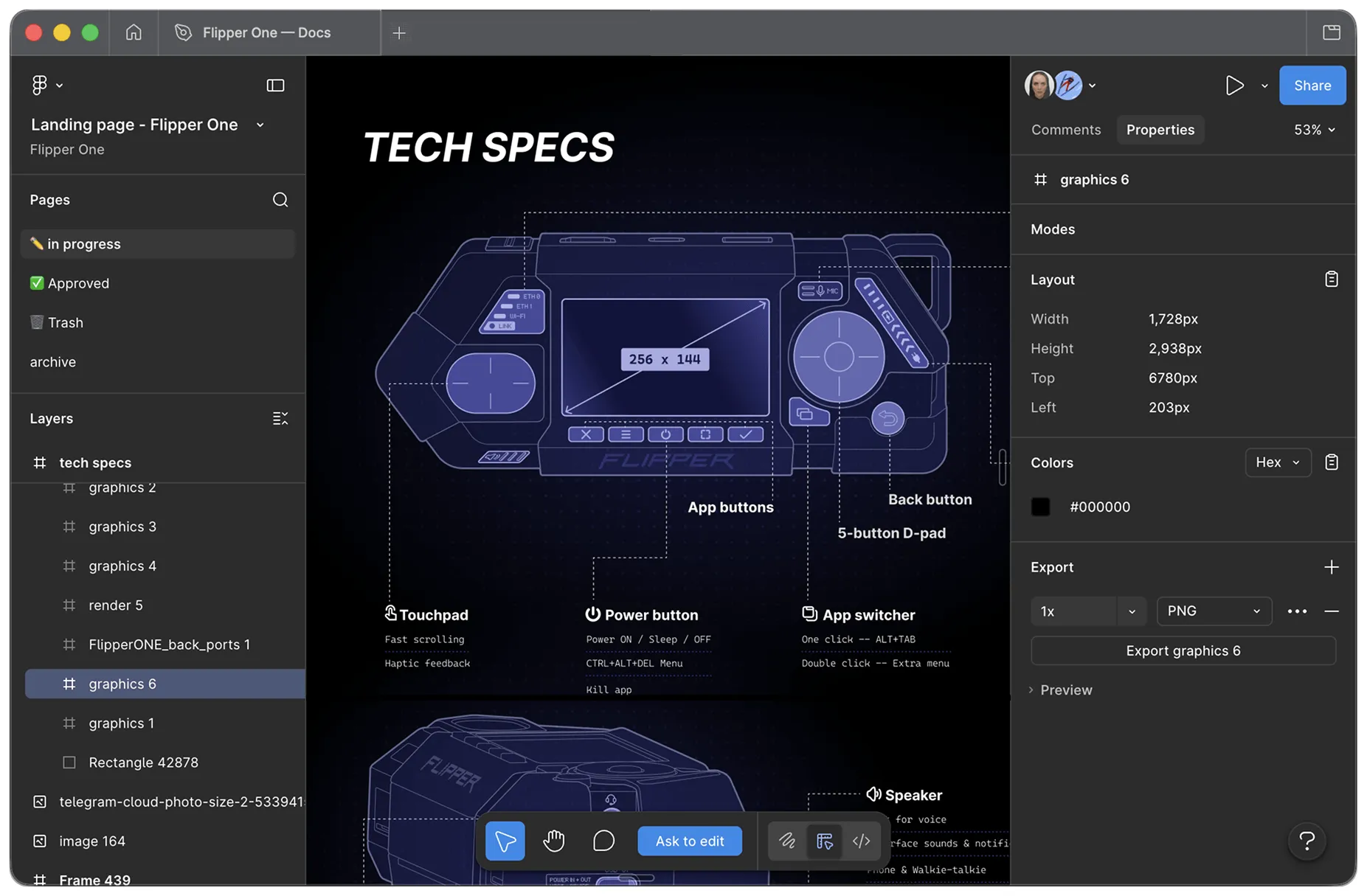
Illustrations and decorative graphics are designed in the Flipper One — Docs Figma file.
Like the Miro board, the Figma file is publicly viewable: you can browse every frame, inspect layers, and export illustrations at any resolution.
Have an idea for a new illustration or a tweak to an existing one? Share them with us in a pull requestpull request.
How to contribute
To contribute to the Docs sub-project, you need to have a GitHub account. You can create one on the GitHub website.
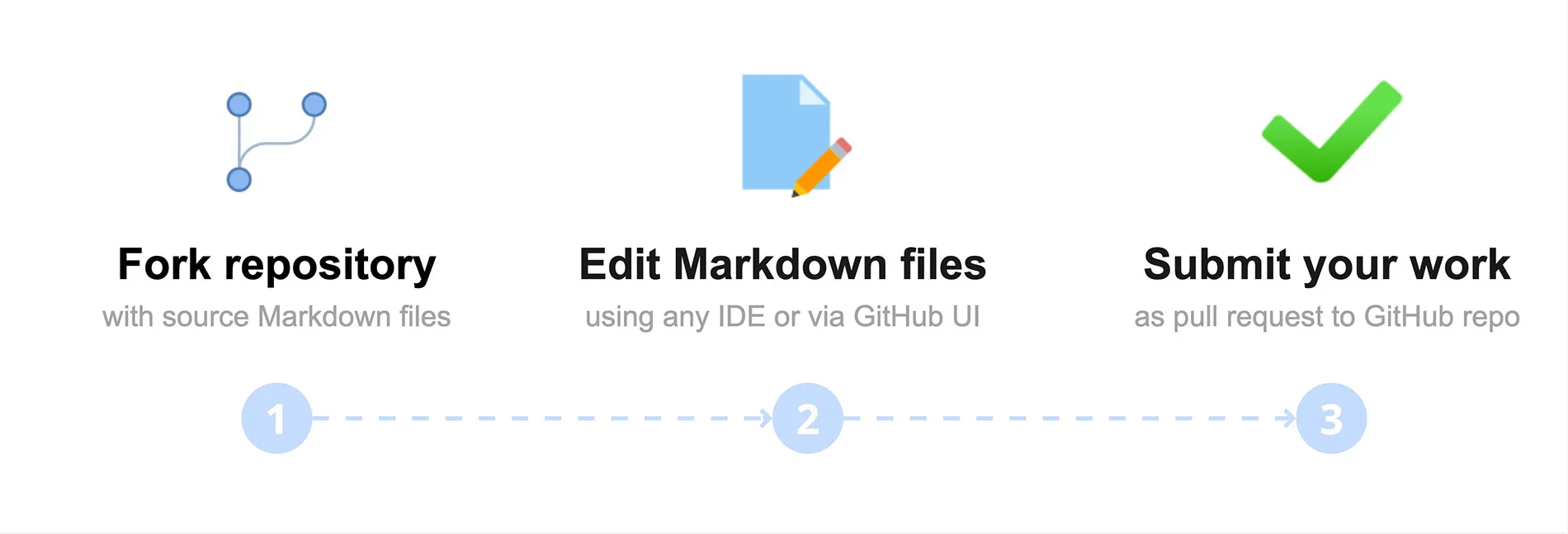
Before you start: Check open tasks in the task tracker to see what the team is already working on or where help is wanted, and skim the Markup referenceMarkup reference and Style guideStyle guide pages to get familiar with the supported syntax and our writing style.
Fork the flipperone-docs repository.
Edit Markdown files in the docs/ folder.
Submit your work as a pull request to our GitHub repository.
Submit your fix or guide as a pull request
If you’ve spotted an error, want to clarify a section, or want to add a new guide, you’re welcome to contribute. Fork the repository, make your changes on a new branch, and submit a pull request to the original repository:
Read the reference docs. Skim the Markup referenceMarkup reference and Style guideStyle guide to learn the supported syntax and our writing style.
If you're using an AI assistant to write or edit, point it to both files so it knows which syntax to use and how to match our writing style.
Fork the repository. Go to flipperone-docs and click Fork in the upper-right corner. Your fork opens on the public-release branch, which is the production branch connected to the live site. All your work happens here.
Edit or create an .md file. In your fork, find the file you want to edit under docs/, or create a new one in the appropriate subfolder. Follow the syntax shown on the Markup reference page because some Markdown features behave differently in Archbee.
(Optional) Add images. If your change includes images, diagrams, or screenshots, upload them to docs/files/pics/ and reference them with a relative path:
Use descriptive, lowercase filenames with hyphens (for example, gpio-pinout.png). Keep images under 1 MB.
(Optional) Register the new page in archbee.json. Place it in the sidebar hierarchy (no deeper than two levels) — see How archbee.json worksHow archbee.json works for the syntax. It’s okay to skip because we’ll update the file after merging your PR.
Create a branch and commit. Name the branch nickname/what-changed (for example, john/github-integration-update). Keep commit messages concise (for example, Update: rename authentication to auth).
Open a pull request from your branch to the original repository. The target is pre-selected to public-release — leave it as is. Add a clear title and description, and ideally attach screenshots and a link to the related open task.
Make sure Allow edits by maintainers is ticked so we can apply small wording or syntax fixes directly to your PR.
Once your pull request is merged into public-release, Archbee automatically picks up the changes and rebuilds the live site at docs.flipper.net/one.
Suggest your change as a comment on an open task
⚠️ Contributions only — no flooding
To keep collaboration productive, please keep comments on-topic. Open tasks are for contribution-related discussion only. If you have an idea or concern, first turn it into a concrete contribution and share it as a comment on a task. For general questions or discussions, you’re always welcome to join the conversation on social media or Discord!
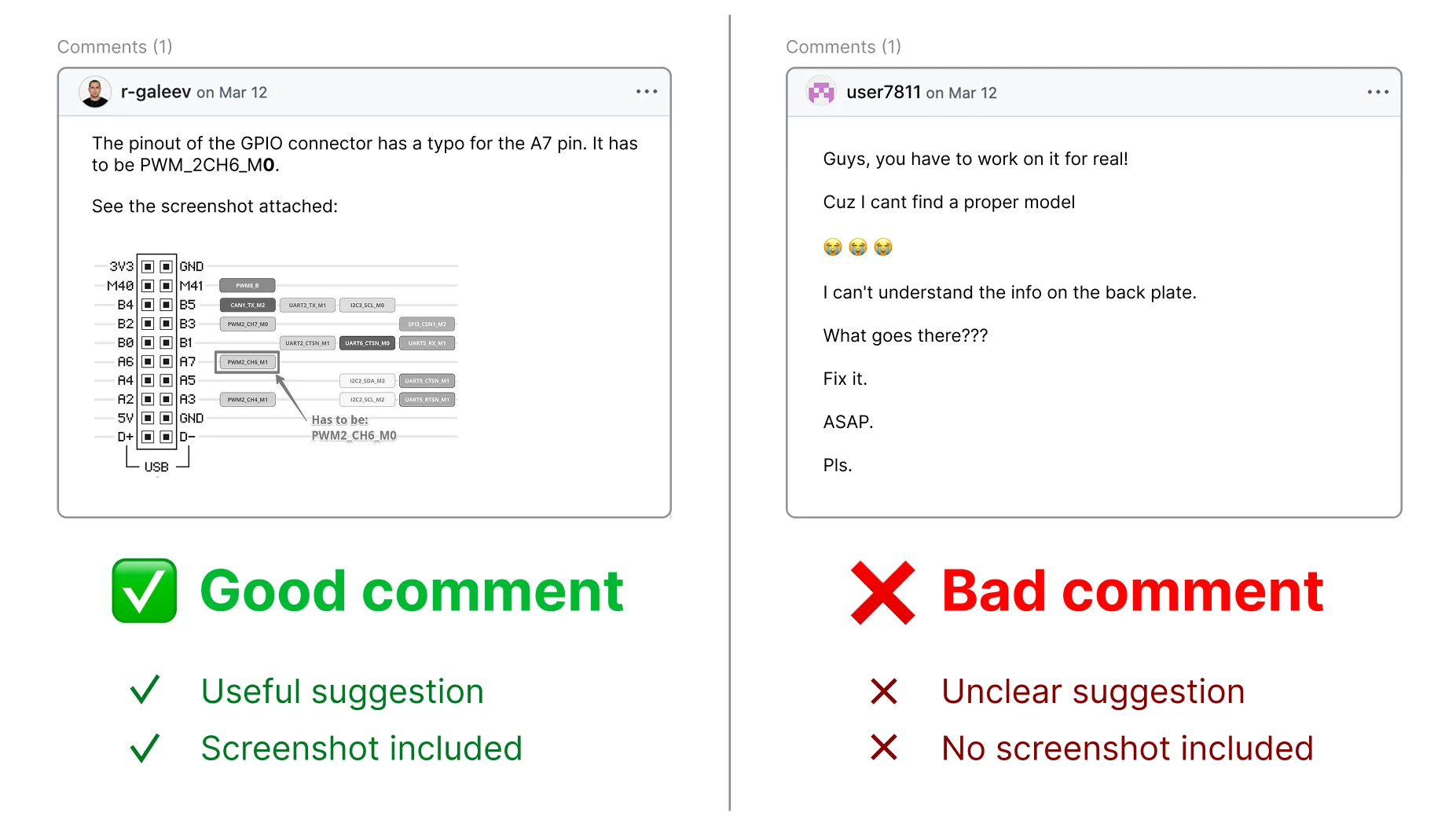
Open tasks that need the community’s help are labeled help wanted. If you have ideas on how to improve a page, you can contribute by commenting on the task and attaching screenshots, videos, or links:
Pick a task. In the Docs GitHub project, browse the open tasks and click the one labeled help wanted that you want to contribute to.
Write your suggestion. In the comments section, clearly describe your suggestion and, if helpful, attach a screenshot, video, or link to a draft pull request.
Important: If you share a link, ensure the content is accessible to others.
Attachment size limit:
- Images: 10 MB
- Videos: 100 MB
Click Comment to submit.
We review all comments carefully! We may ask additional questions about your idea in the task thread, so please watch for GitHub notifications in your email.