Supported boards
This page provides a list of boards that support installing Flipper OS using images built by the official build system. For each board, it also lists the target name, notes, hardware-defined boot priority, and instructions for switching to MaskROM mode for flashing via USB. Learn more about MaskROM mode in the Rockchip MaskROM mode section.
Flipper One (HW ver. F0B0C1)
Prototype. Not for sale!
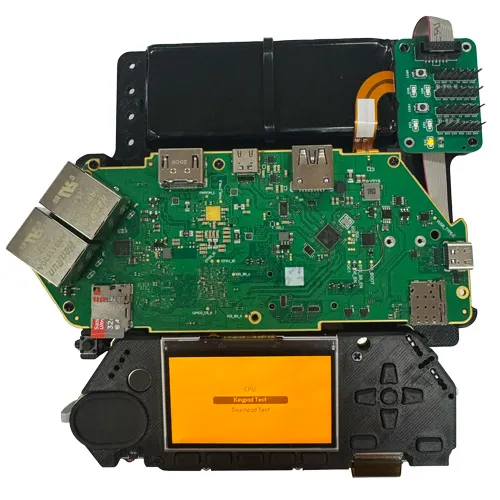
- ✅ DisplayPort on USB-C1.
- ✅ USB-A to USB-A cable not required for flashing via MaskROM mode.
- Target name: flipper-one.
- Boot priority: UFS flash → SD card → USB (MaskROM).
- Switching to MaskROM mode: From the MCU mode home screen, go to Settings → MaskROM.
- MaskROM USB port:
 USB-C1.
Armsom Sige5 (aka Banana Pi BPI-M5 Pro)
Recommended board!
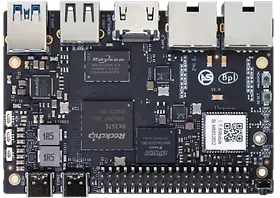
- ✅ DisplayPort on USB-C.
- ✅ USB-A to USB-A cable not required for flashing via MaskROM mode.
- Target name: sige5.
- Boot priority: eMMC flash → SD card → USB (MaskROM).
- Switching to MaskROM mode: Hold the MASKROM button while powering on the board.
- MaskROM USB port: OTG USB-C.
- Product documentation: Banana Pi BPI-M5 Pro, Armsom Sige5
FireFly ROC-RK3576-PC
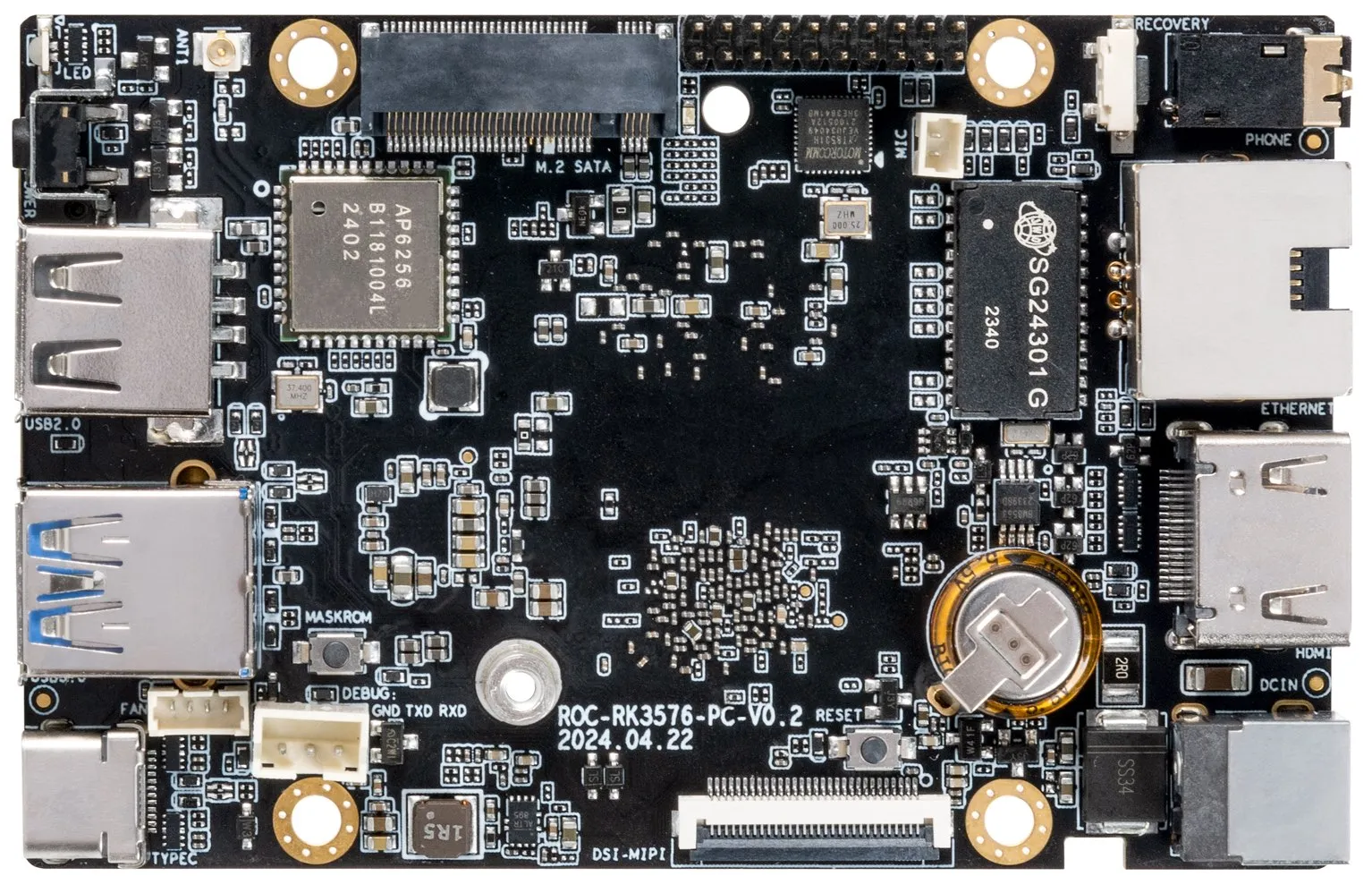
- ✅ DisplayPort on USB-C.
- ✅ USB-A to USB-A cable not required for flashing via MaskROM mode.
- Target name: rock-pc.
- Boot priority: eMMC flash → SD card → USB (MaskROM).
- Switching to MaskROM mode: Hold the MASKROM button while powering on the board.
- MaskROM USB port: USB-C port.
- Product documentation: https://wiki.t-firefly.com/en/ROC-RK3576-PC/
Luckfox Omni3576
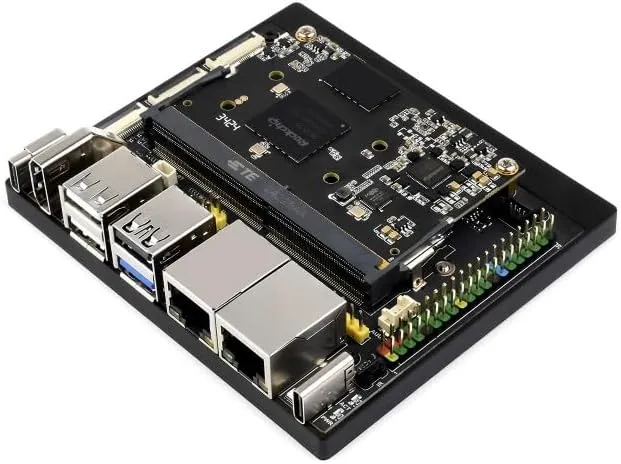
- ✅ DisplayPort on USB-C.
- ✅ USB-A to USB-A cable not required for flashing via MaskROM mode.
- Target name: omni3576.
- Boot priority: eMMC flash → SD card → USB (MaskROM).
- Switching to MaskROM mode: Connect the ADC0 pin to the GND pin while powering on the board.
- MaskROM USB port: USB-C port next to the HDMI port.
- Product documentation: https://wiki.luckfox.com/Luckfox-Omni3576/Luckfox-Omni3576-quick-start
Radxa ROCK 4D
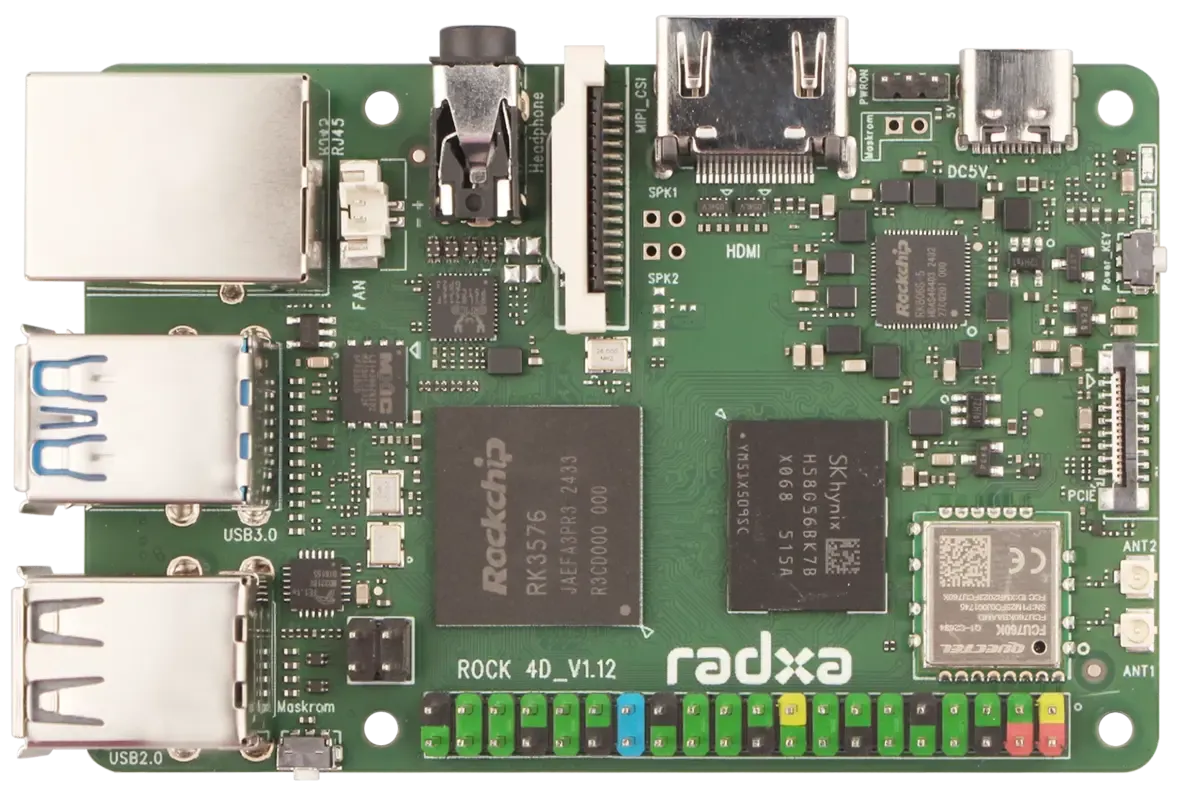
- ❌ No DisplayPort on USB-C.
- ❌ USB-A to USB-A cable required for flashing via MaskROM mode.
- Target name: rock-4d.
- Boot priority: FSPI0 flash → UFS flash → USB (MaskROM).
- Switching to MaskROM mode: Hold the MaskROM button while powering on the board.
- MaskROM USB port:
 Top USB-A 3.0 port.
- Product documentation: https://docs.radxa.com/en/rock4/rock4d
NanoPi M5
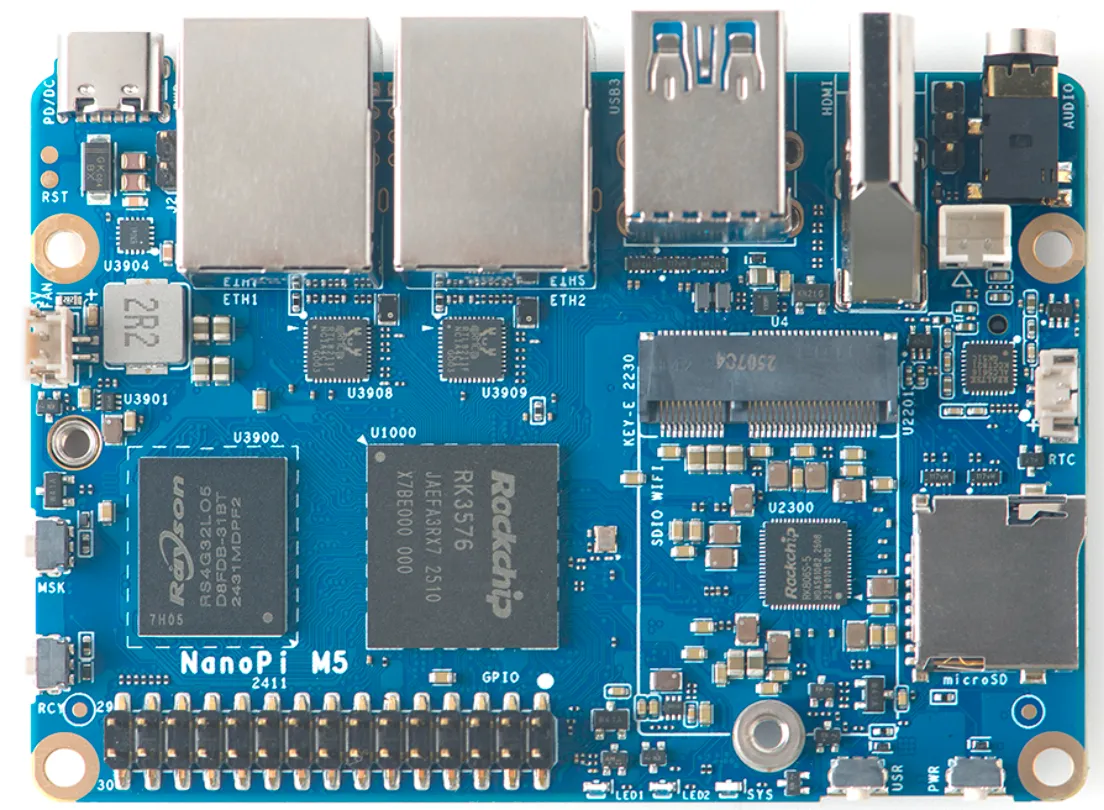
- ❌ No DisplayPort on USB-C.
- ❌ USB-A to USB-A cable required for flashing via MaskROM mode.
- Target name: nanopi-m5.
- Boot priority:
- Boot mode switch in the FSPI position: FSPI1_M1 flash → eMMC flash → USB (MaskROM).
- Boot mode switch in the UFS/SD position: UFS flash → SD card → USB (MaskROM).
- Switching to MaskROM mode: Hold the MASK button while powering on the board.
- MaskROM USB port: Top USB-A 3.0 port.
- Product documentation: https://wiki.friendlyelec.com/wiki/index.php/NanoPi_M5
Rockchip RK3576 EVB1
Evaluation board. Not for sale!
Target name: evb1.
Rockchip's official RK3576 EVB1 evaluation board. This board is supported by Flipper OS; however, we cannot disclose detailed information about it due to NDA restrictions.
Have a question?
Our support team and an awesome community will get you an answer in a flash. Please leave your questions in English.
To ask a question or participate in discussions, you'll need to authenticate first.