M.2 modules
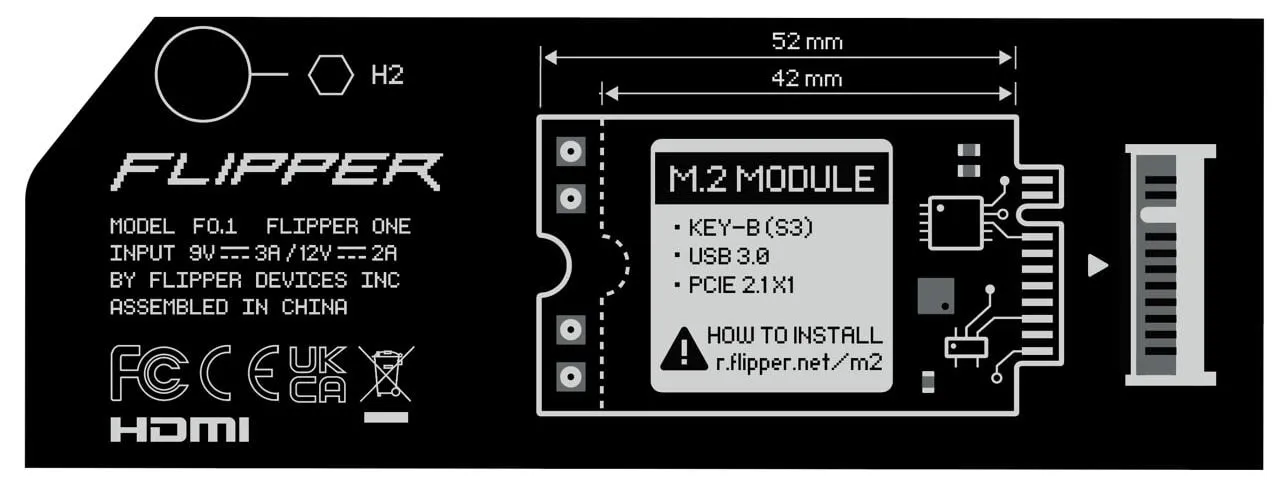
This section covers M.2 expansion modules testsing. Flipper One has M.2 Key-B (S3), has USB and PCIe interfaces in M.2 port.
M.2 Port tech specification
Auto config detection
In the M.2 spec, CONFIG pins are strap / detection pins used by the host (and sometimes the module) to determine:
- What interface the module expects (USB vs PCIe)
- What role or mode should it boot in
- sometimes the module class (WWAN, SSD, etc.)
They are sampled at power-up or reset.
Depending on the M.2 key, different pins are used:
- Key B / B+M (WWAN modems). Common CONFIG-related pins:
- CONFIG_1
- CONFIG_2
- sometimes reused GPIO / LED / UART pins
- Key M (SSDs). Mostly PCIe / SATA focused, CONFIG pins usually select:
- PCIe vs SATA
- lane width (x2 / x4)
For modems, this is much more vendor-specific than for SSDs.
❓❓ How to test detect pins?❓❓
M.2 modems
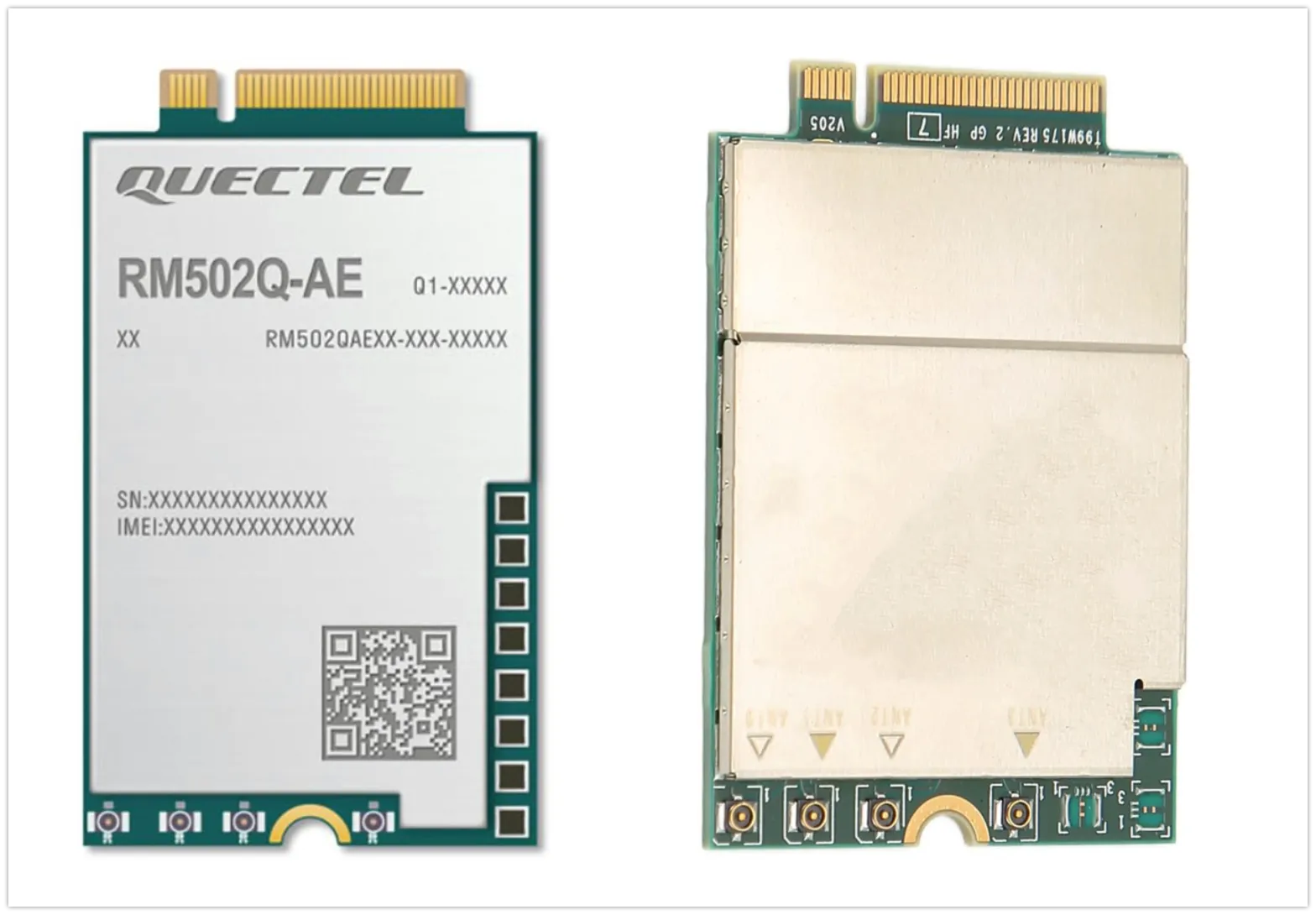
M.2 modems can vary significantly:
- Different form factors. Flipper One supports only 30×52 and 30×42.
- Different connection interfaces: USB and PCIe.
- Different auxiliary pins: UART, LED, and other signals may be routed to unused pins of the M.2 connector.
SIM-card test
- Install SIM-card in Flipper One port
- Verify that it visible on modem
USB-only modem
- Verify that modem only has USB interface
- Connect that it works properly
PCIe-only modem
- Verify that modem only has PCIe interface (its exist?)
- Connect that it works properly
PCIe+USB modem
- Verify that modem only has both PCIe+USB interfaces
- Connect that it works properly
Modem activity LED pins
Most M.2 modems have activity LED on some pins.
SSD Disk
TODO
Have a question?
Our support team and an awesome community will get you an answer in a flash. Please leave your questions in English.
To ask a question or participate in discussions, you'll need to authenticate first.