NFC
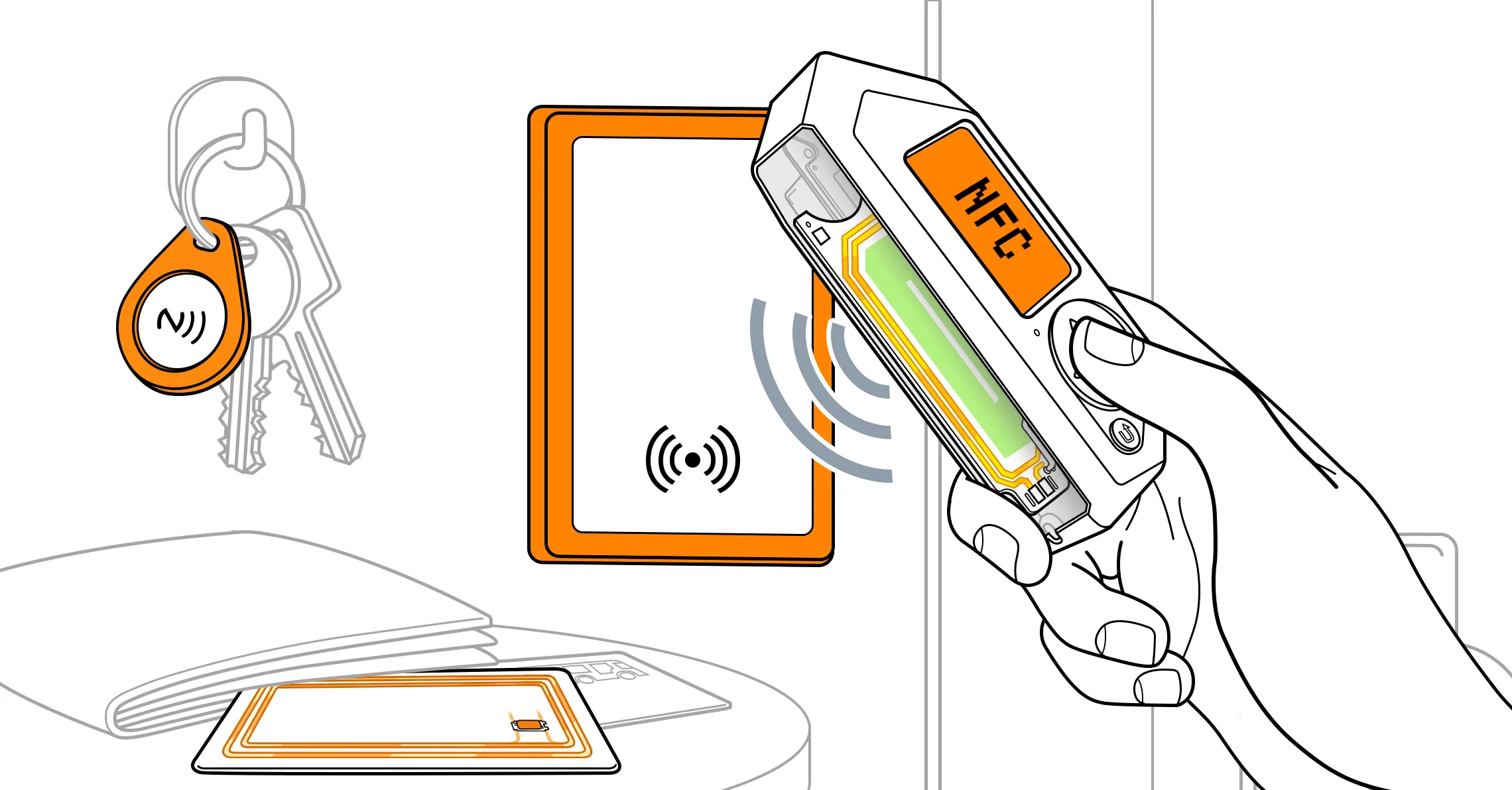
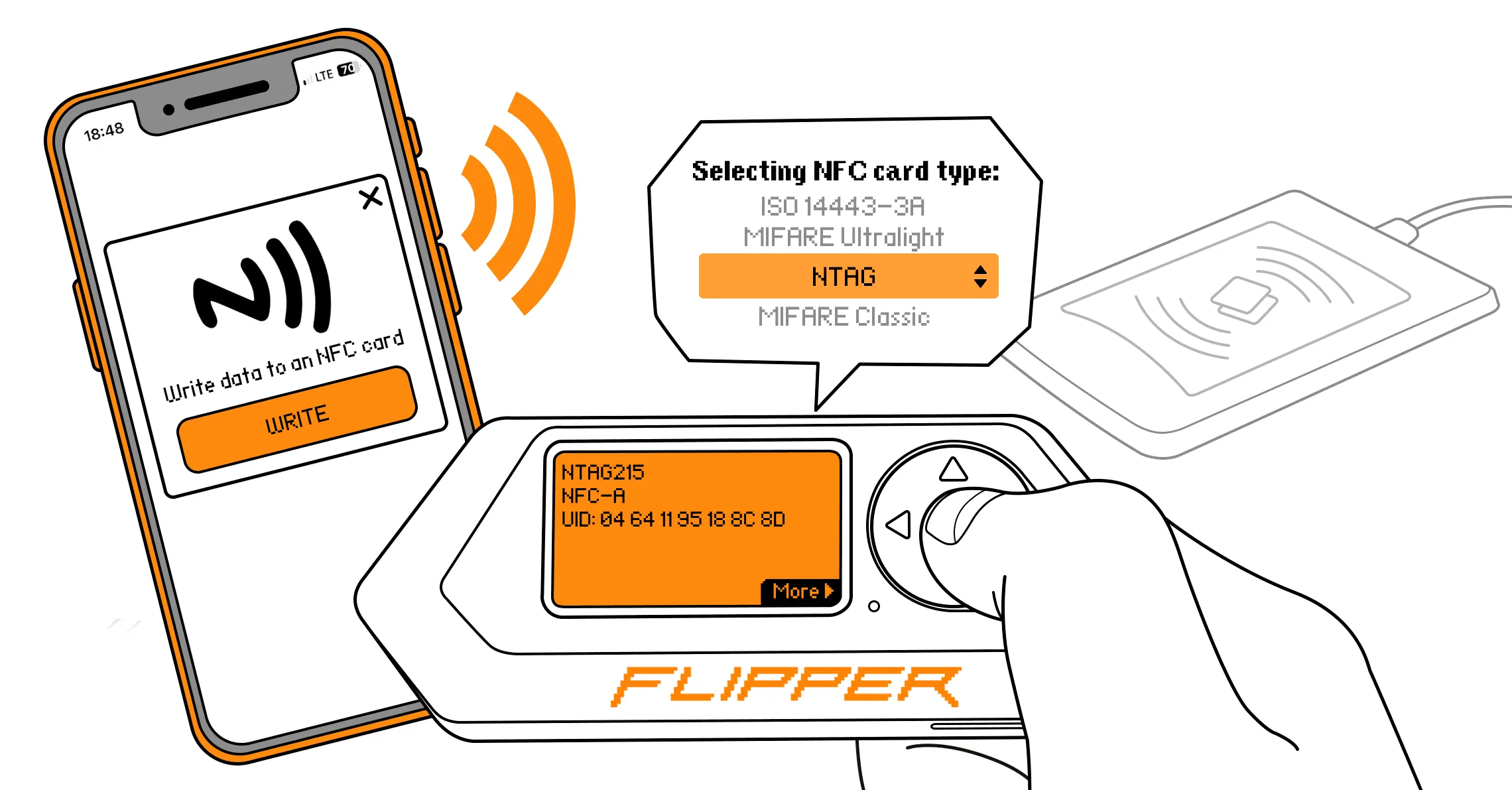
Flipper Zero 支持 NFC 技术,这类技术广泛应用于公共交通智能卡、门禁卡或标签以及电子名片。这类卡片协议复杂,支持加密、身份验证和完整的双向数据传输。Flipper Zero 内置 13.56 MHz NFC 模块,可以读取、保存和模拟 NFC 卡片。
本页将概要介绍 NFC 应用,并说明 NFC 模块背后的硬件。
NFC 菜单
你可以从 Main Menu 打开 NFC 应用。在该应用中,你可以与 NFC 卡片交互、分析读卡器,以及新建 NFC 卡片。
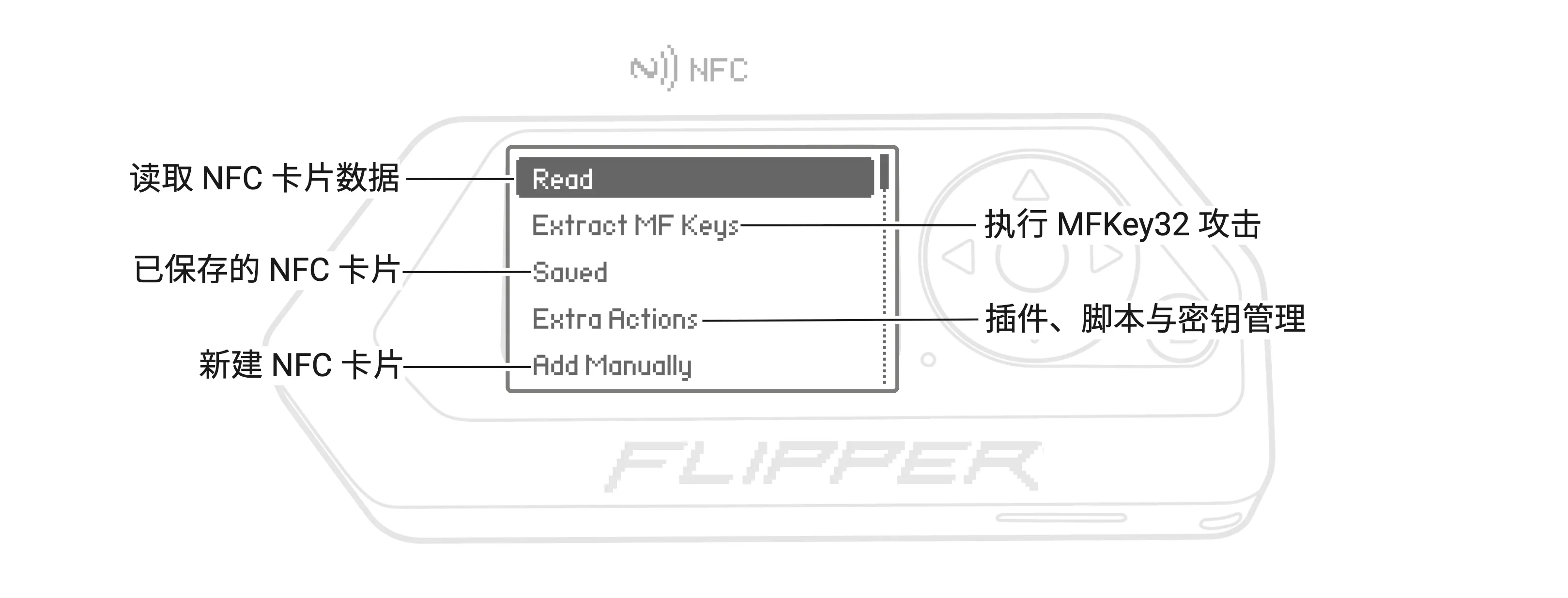
NFC 应用菜单
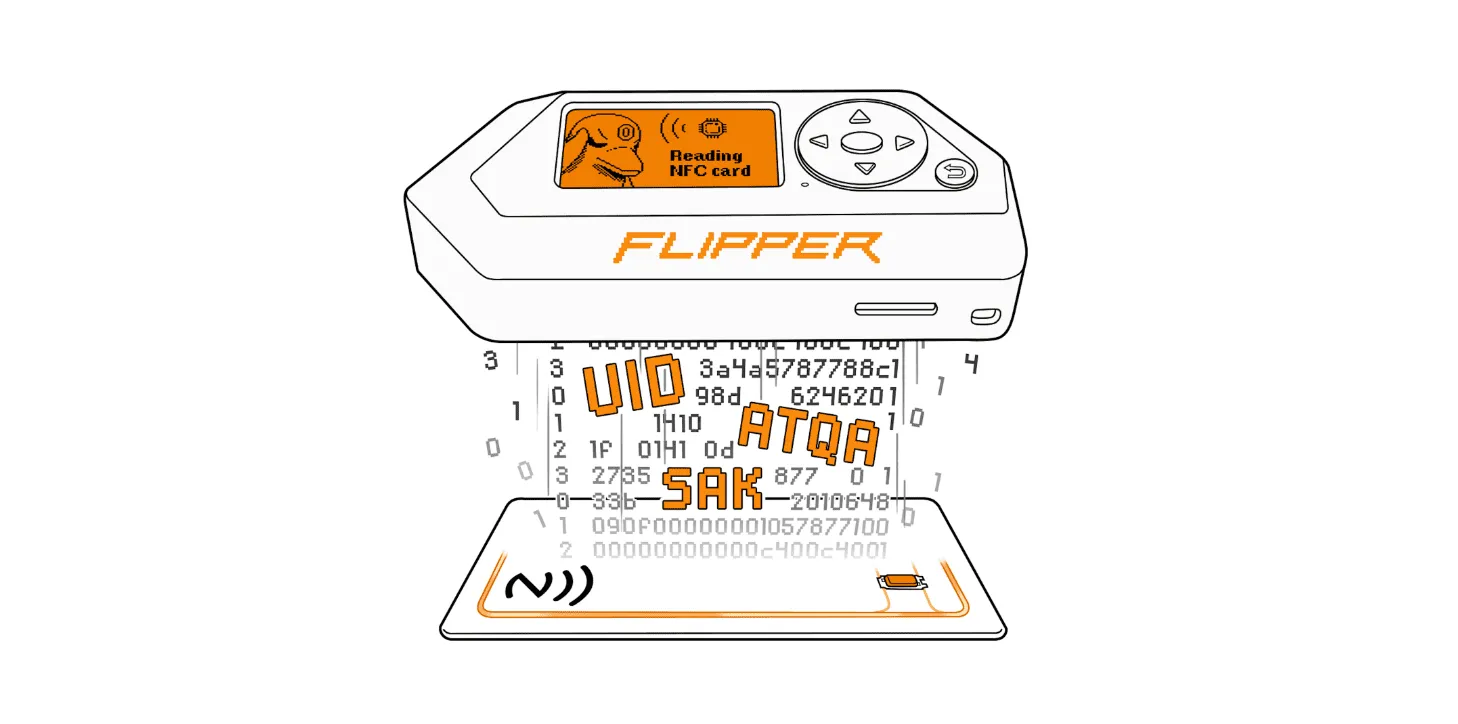
- Read:读取并保存 NFC 卡片数据,例如 UID、SAK、ATQA 以及卡内存储的数据。
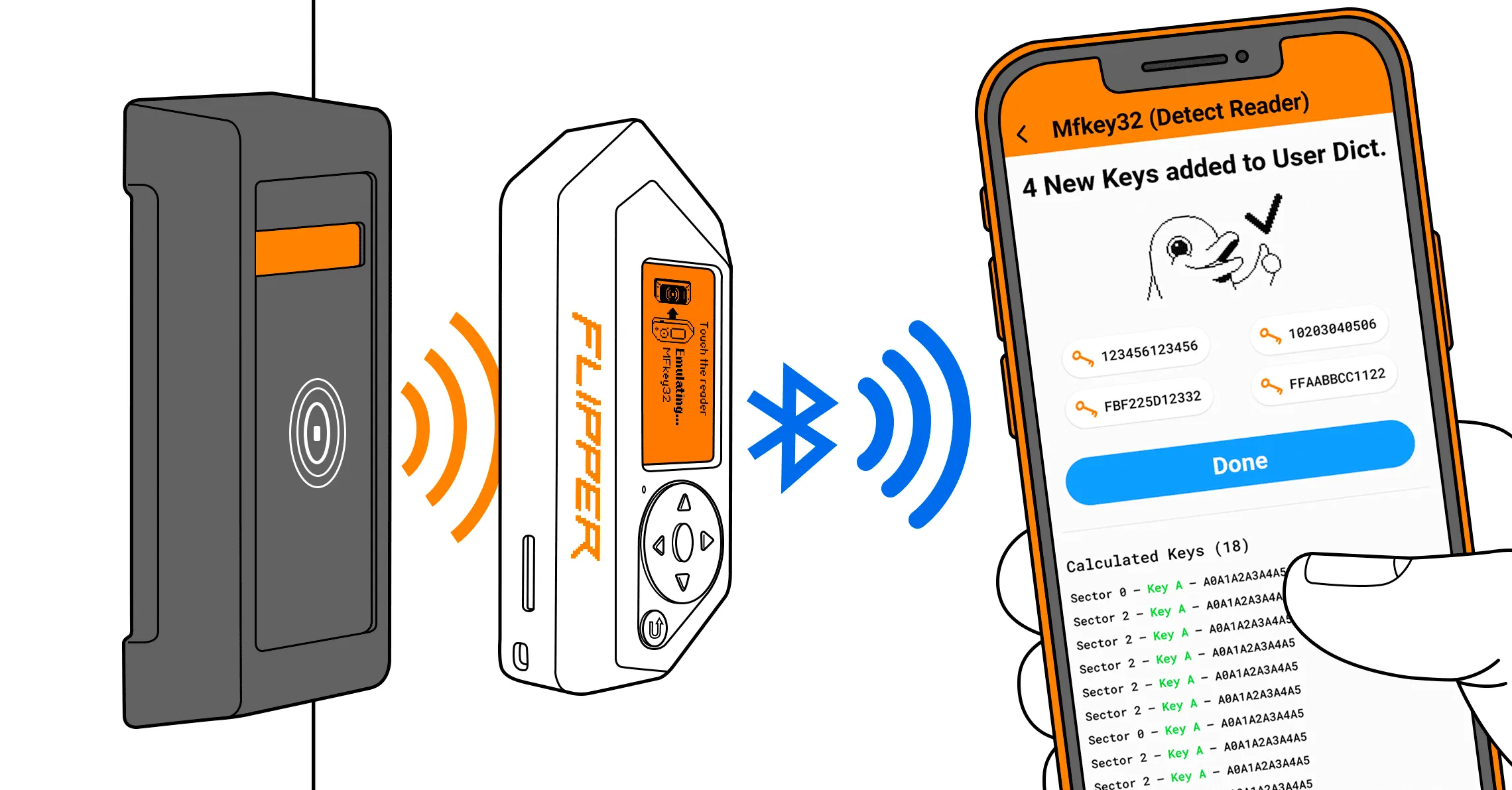
- Extract MF Keys:模拟 NFC 卡片,收集读卡器尝试使用的密钥所对应的数据(nonce,即一次性随机数),用于计算密钥。
- Saved:列出已保存的 NFC 卡片,可以进行模拟和重命名。
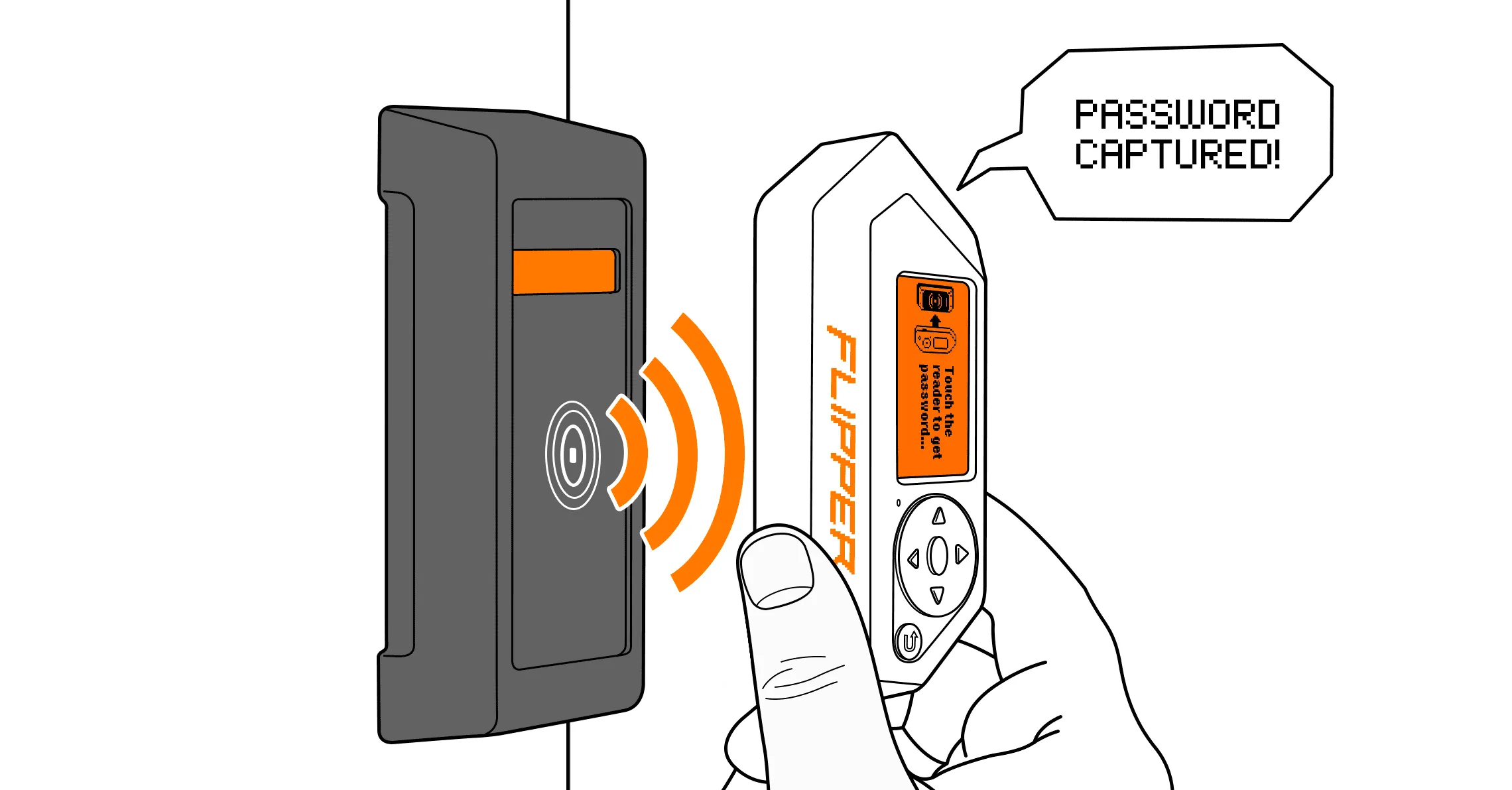
- Extra Actions:提供额外的读取脚本、插件、密钥管理等功能。
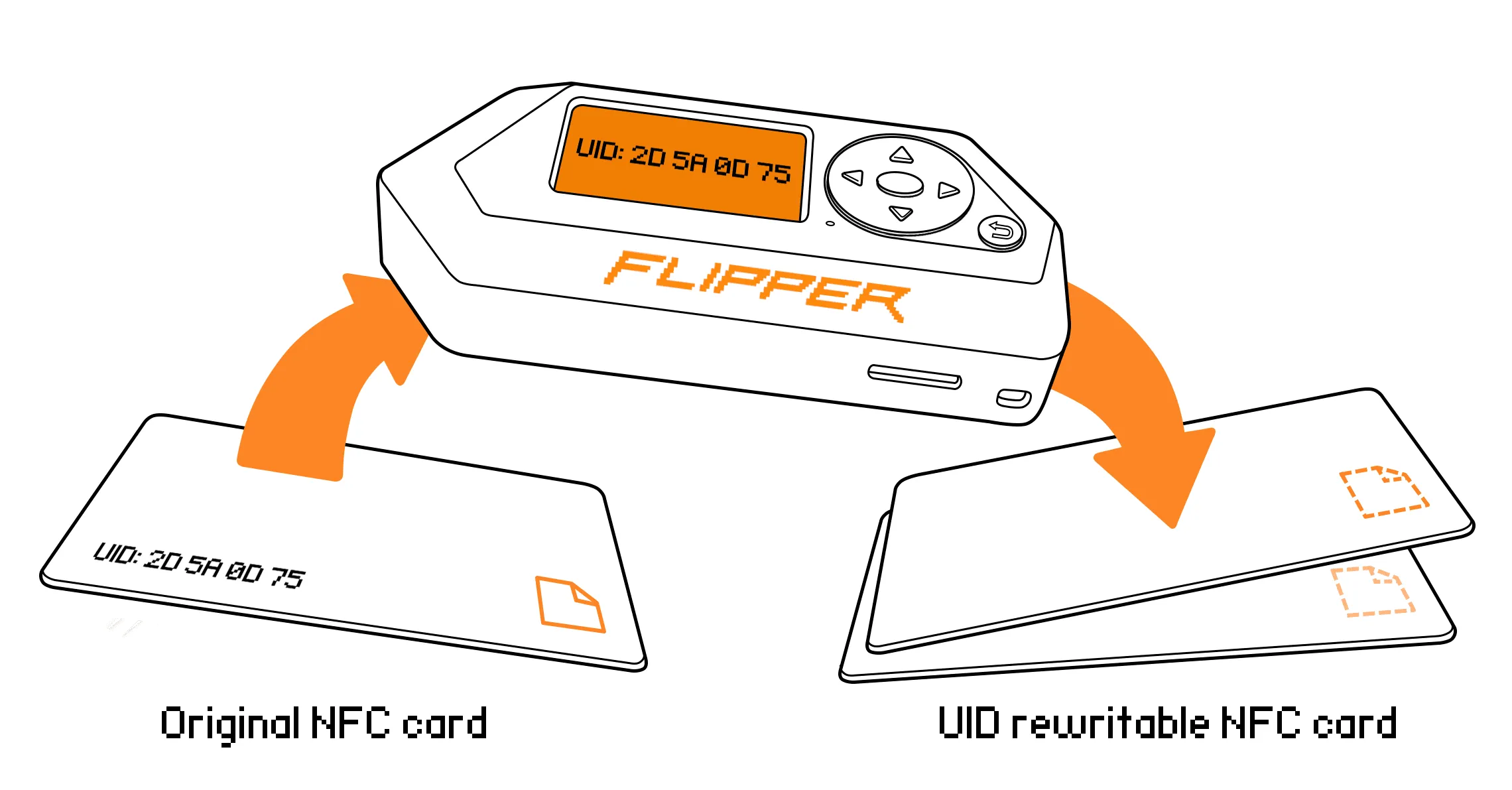
- Add Manually:通过手动输入卡片数据新建虚拟 NFC 卡片。
NFC 硬件
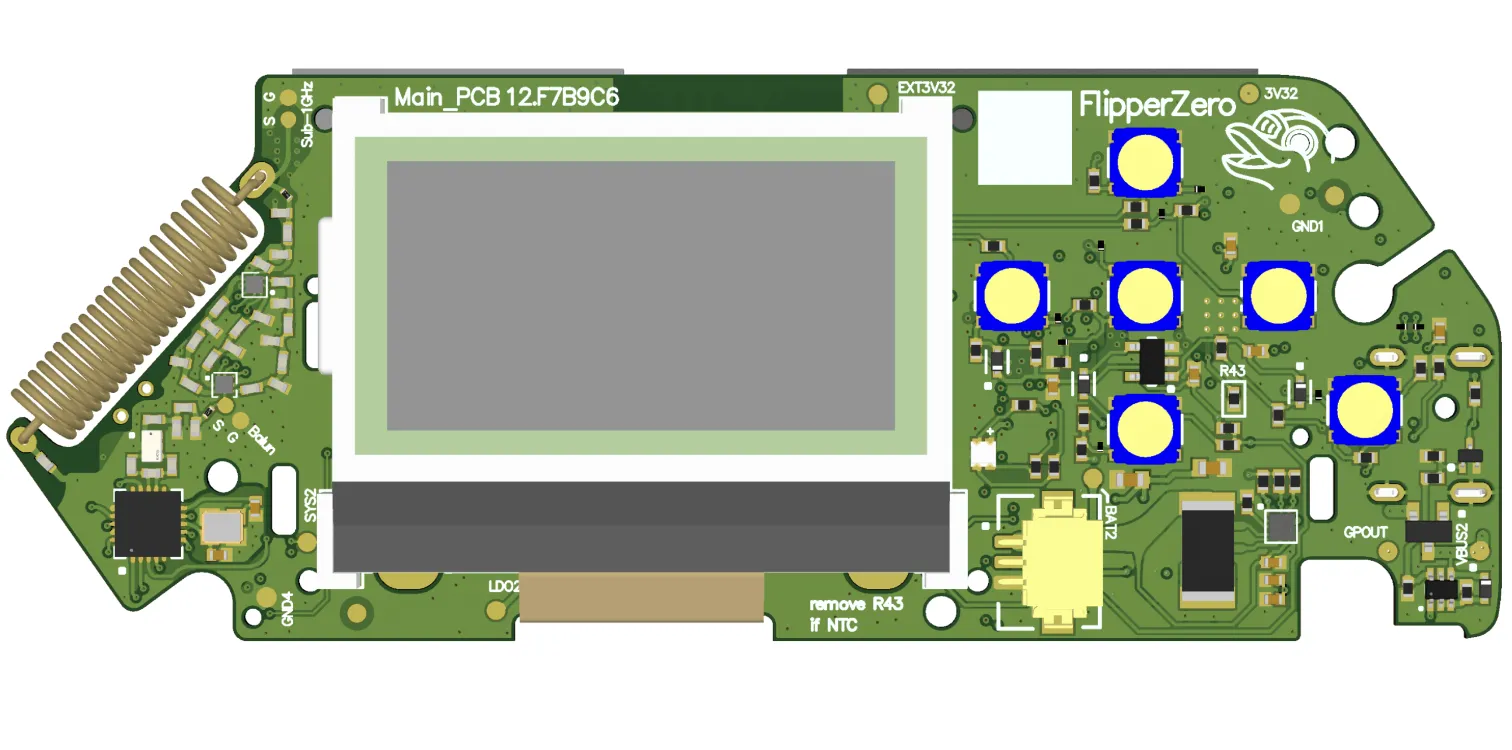
Flipper Zero 内置的 NFC 模块基于 ST25R3916 NFC 芯片和一根 13.56 MHz 高频天线。该芯片用于处理高频协议,负责卡片的读取和模拟。
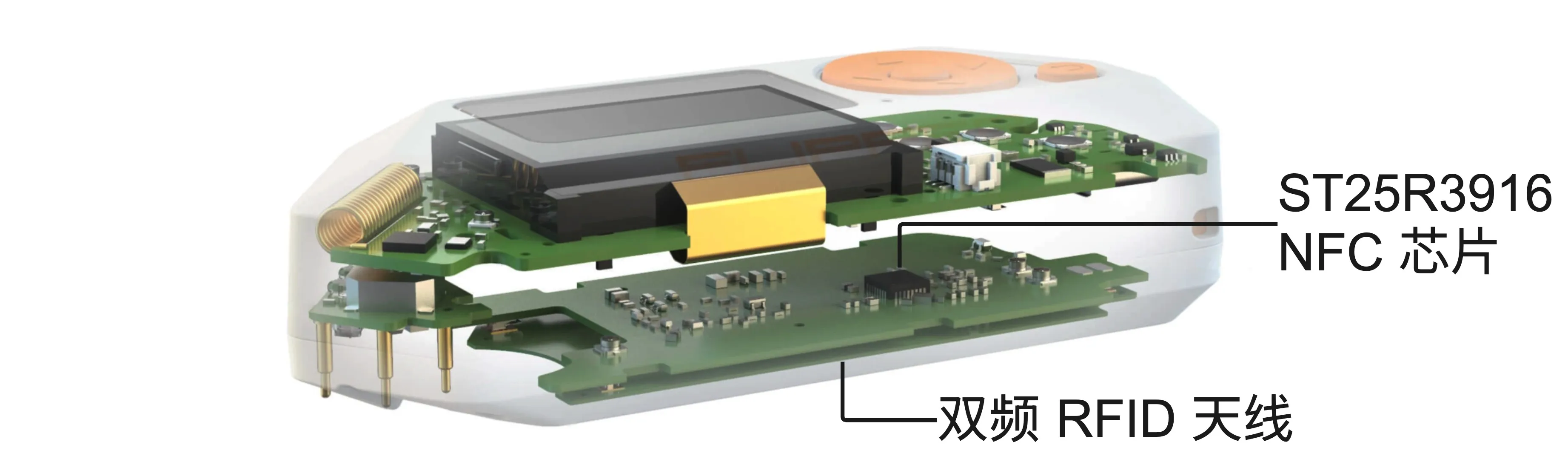
NFC 硬件
高频 13.56 MHz 天线与低频 125 kHz 天线一同位于双频 RFID 天线板上。
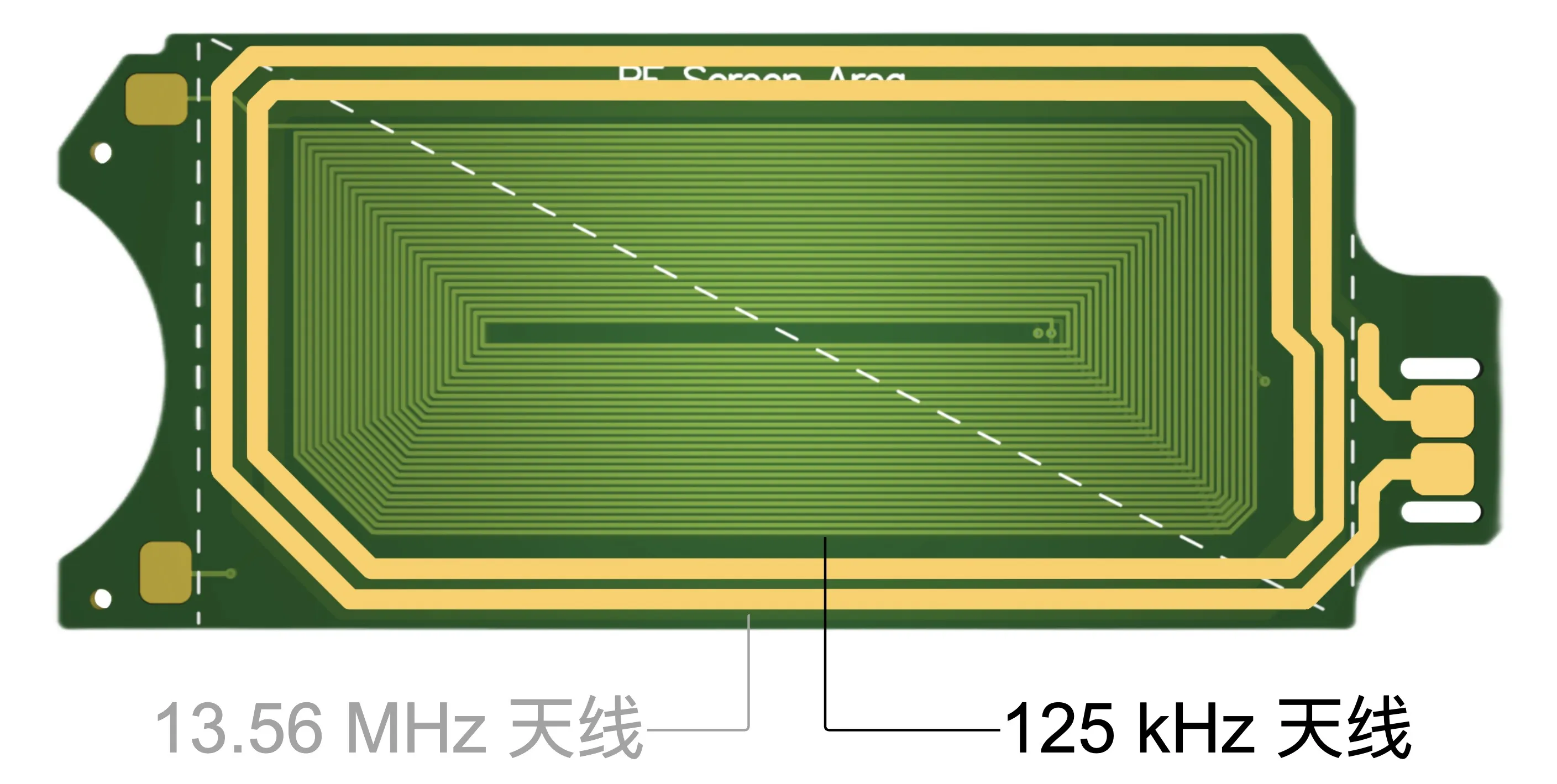
双频 RFID 天线
想了解更多?欢迎查看以下页面: