Operation modes
Flipper One operates in several modes depending on its hardware state and the type of software loaded. The display and LED indicate the current mode.
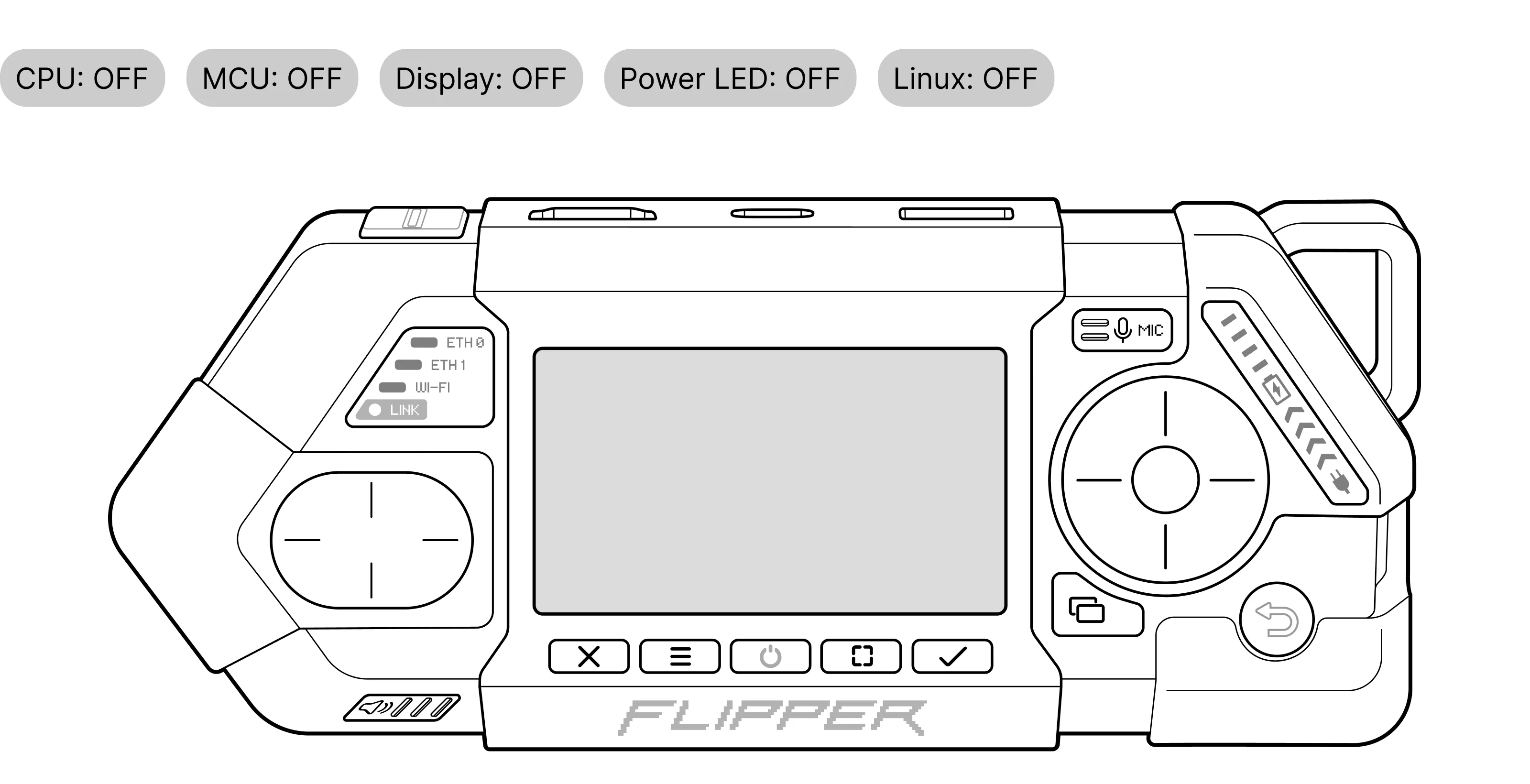
Power OFF
The device is completely powered down. The main CPU and MCU are fully off, and the display is not active. This mode is used for long-term storage, shipping, and maximum power saving.
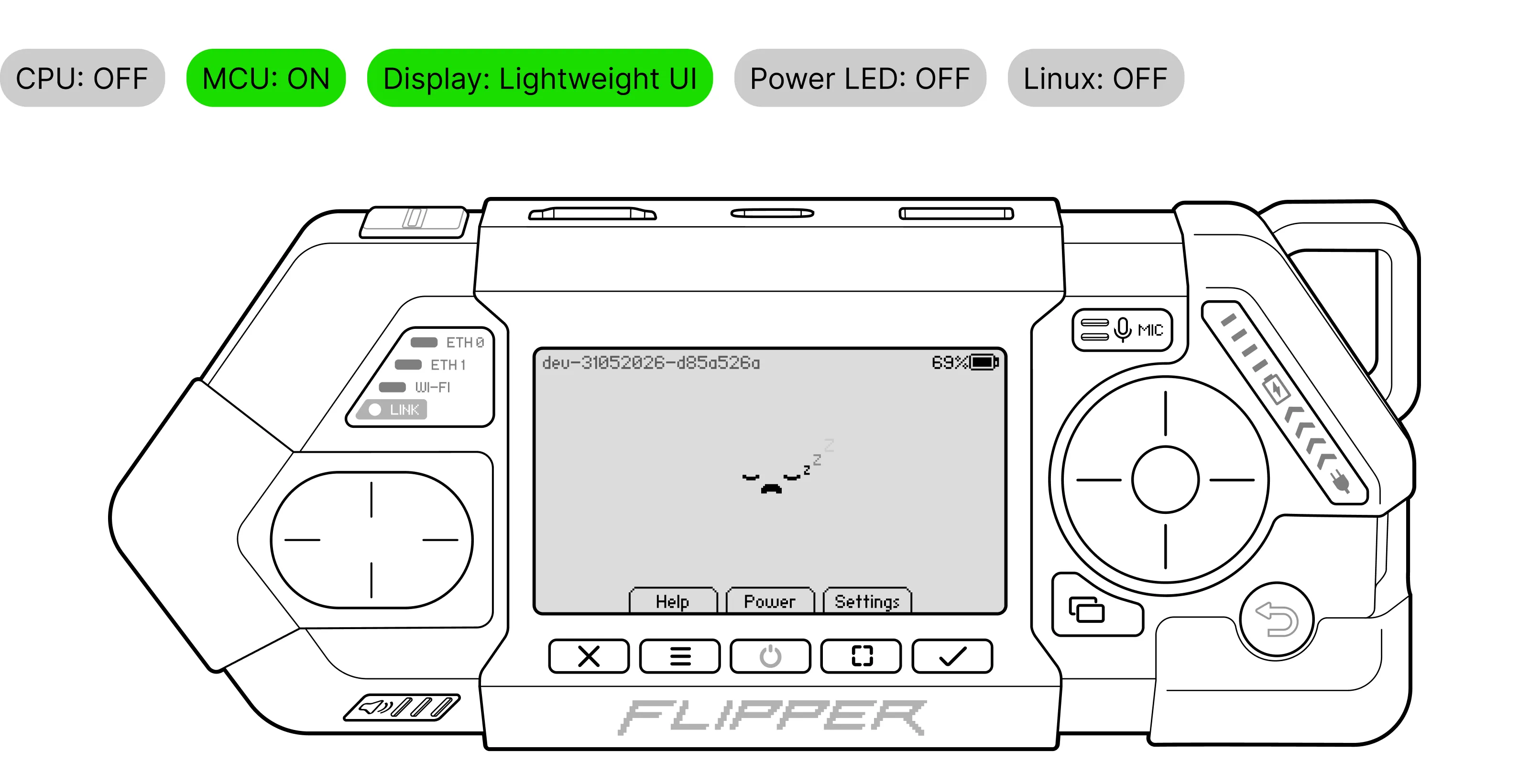
MCU Mode
Only the low-power Microcontroller Unit (MCU) is active. The device works as a power bank and displays basic info on the screen. Two GPIO pins (M40, M41) are available in this mode.
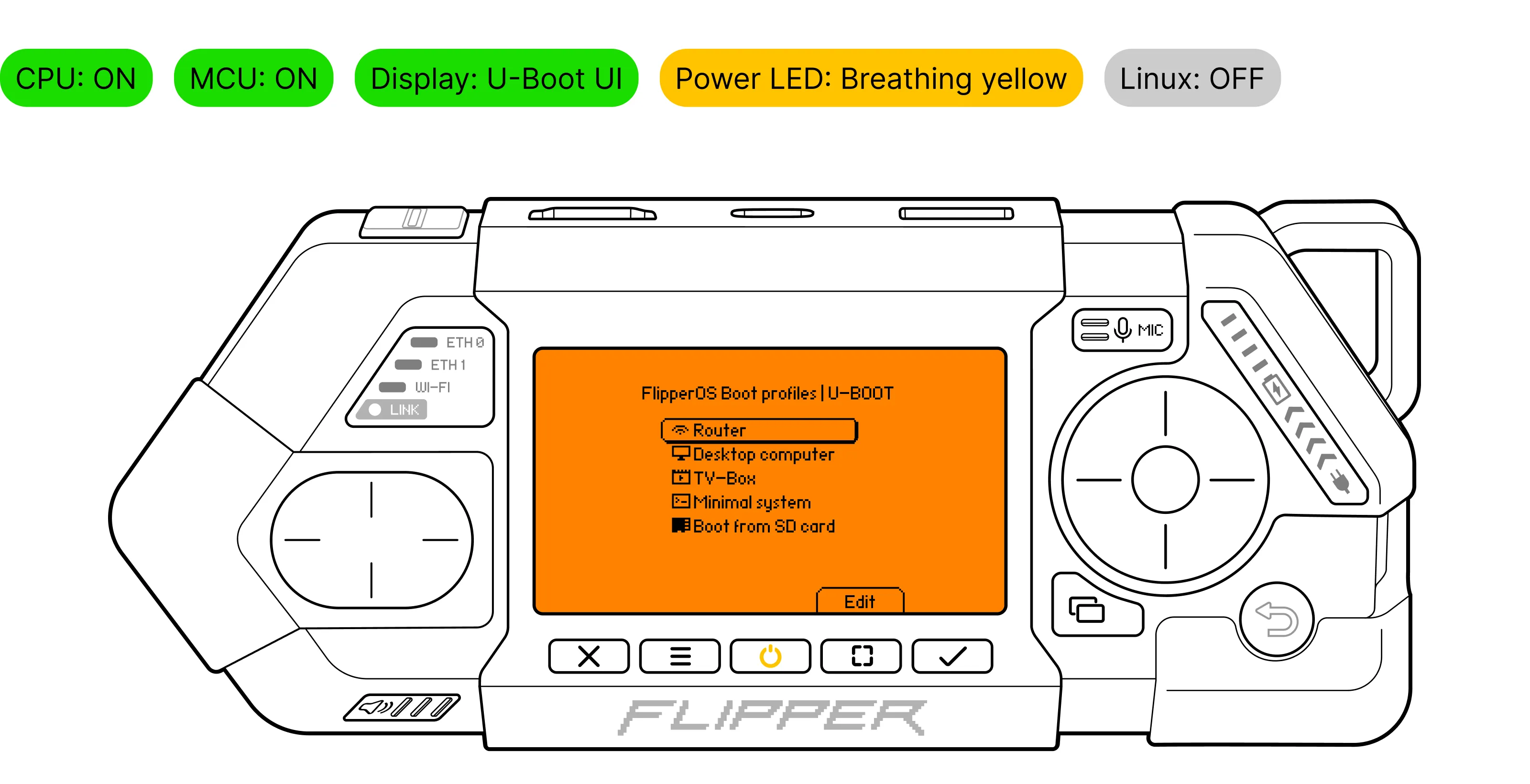
Boot Menu
The device is running the U-Boot menu with available Flipper OS boot profiles. The main CPU is powered on, but the operating system has not yet started.
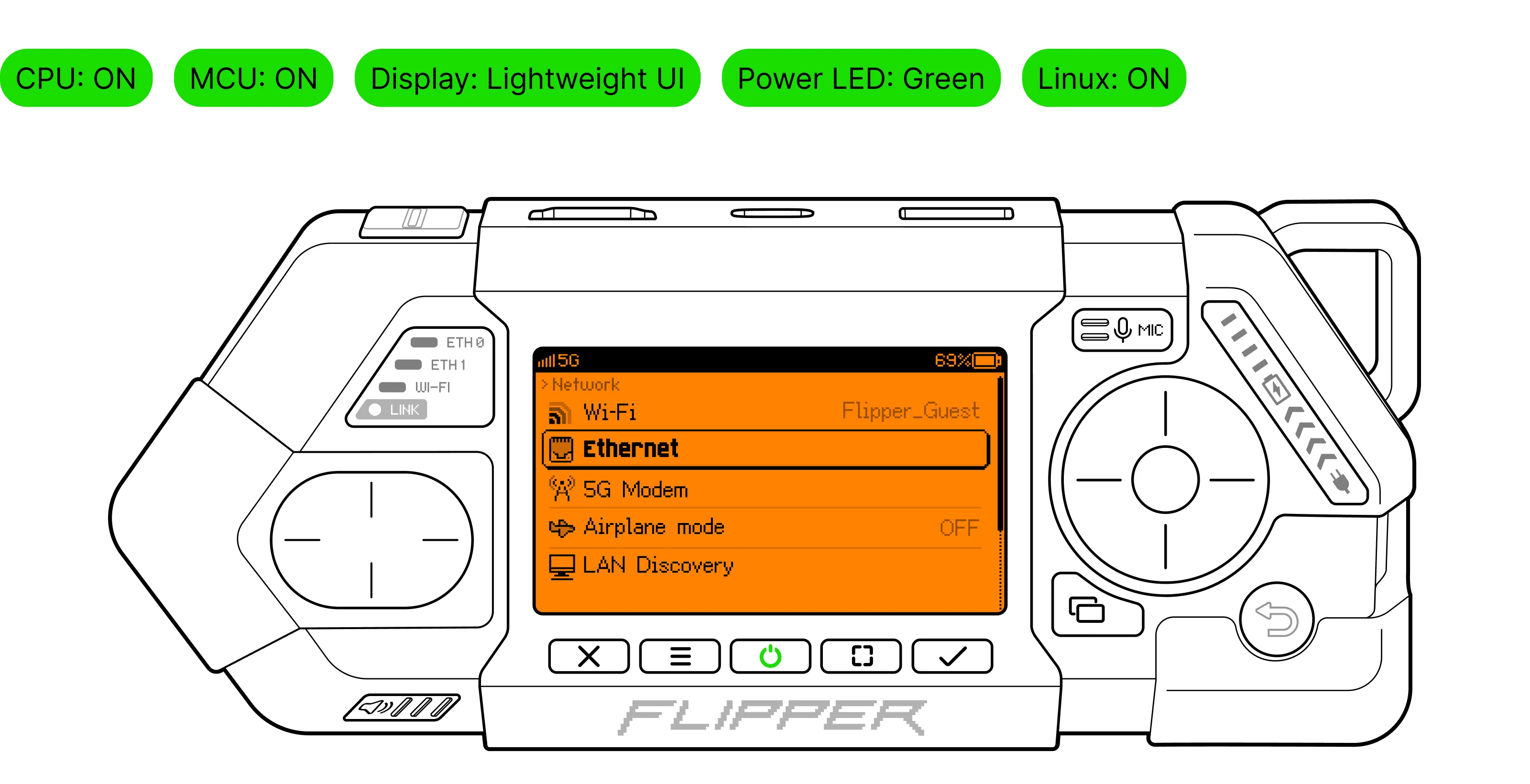
Linux Mode
Primary mode: the full Linux system is running. All hardware components are active. Ready for networking router, applications, and desktop/TV profiles.
How to switch modes
Depending on the current operating mode, the Power button  switches the mode or opens the Power menu.
Power menu — a modal window with the available power and boot options.
- To turn on the device from Power OFF to MCU Mode, long press for 1 second.
- Press in MCU Mode or Linux Mode to open the Power menu.
MCU Mode | Linux Mode |
|---|---|
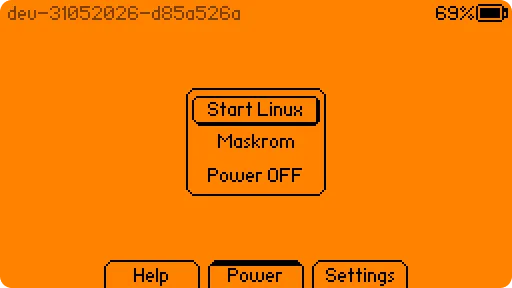 | 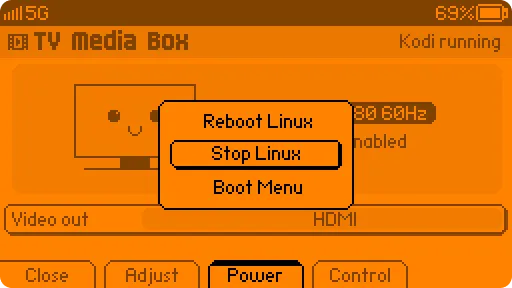 |
⚠️ Work in progress: Button names are not final and may change.
- Press in Boot Menu to switch the device to MCU Mode.