Watching a movie on TV
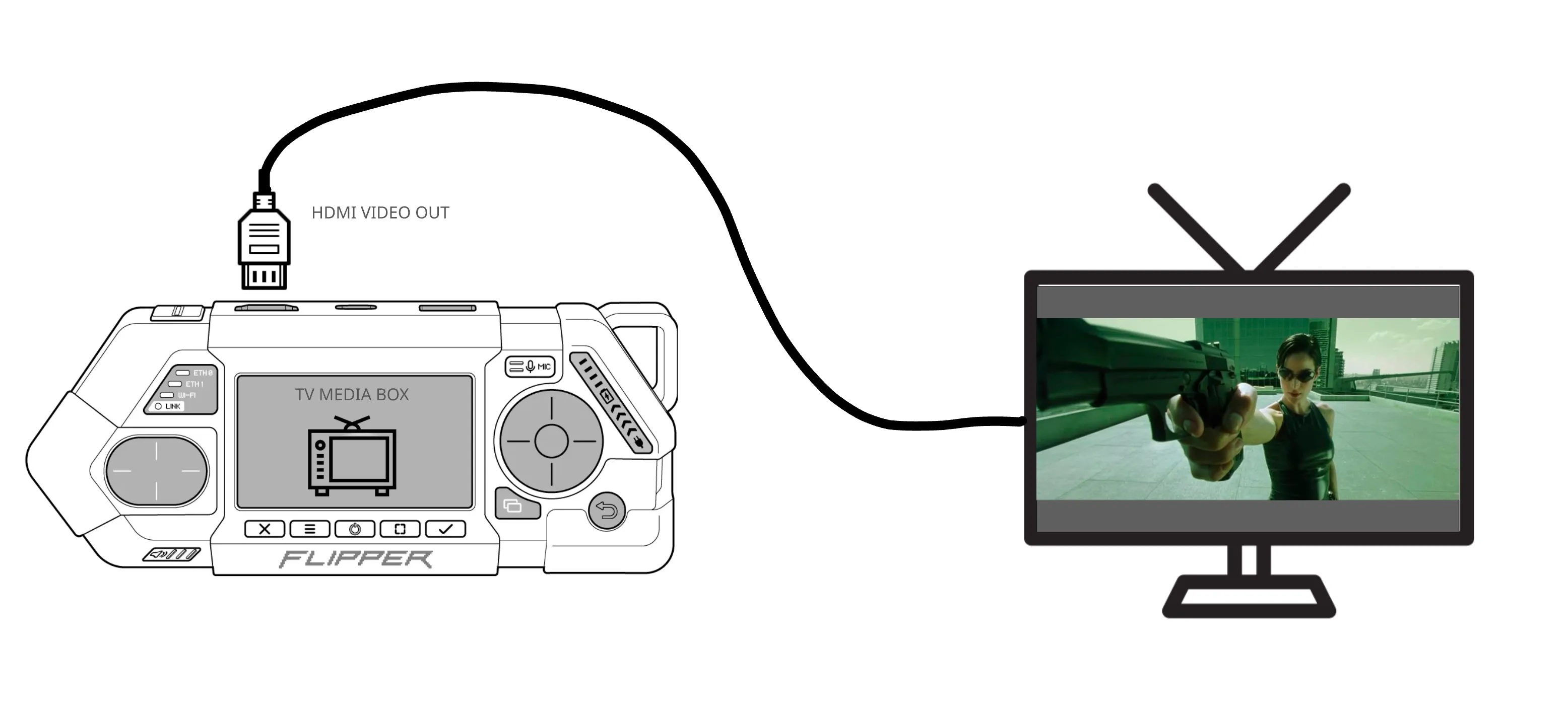
This user story describes using Flipper One as a media box for watching a movie on a TV — for example, when traveling with the device, as a portable TV box. The story covers a typical scenario of watching one or two movies, or several episodes of a series, powered either by the battery or by a charger.
Preconditions
The user can store the device powered off at full battery charge, and the device must not lose battery charge over the course of 2 months. That is, if the user grabs the device off the shelf for a trip after it has been sitting for 2 months without charging, the battery level must be sufficient to carry out this story.
Battery charge checks
The user must be able to quickly check the battery charge level before booting Linux, in MCU mode. After that, the device must automatically power off after 3 hours in MCU mode and go into a full power off.
The order of connecting to the TV must not affect the result
The user must be able to connect the device to the TV either before starting the Flipper OS profile or after Flipper OS has fully booted. The result must be the same in both cases.
Powering on Linux
- The user presses the Power button and selects Start Flipper OS
- In the boot menu, the user selects the TV Media Box profile !! It is unclear at what point the Device Tree is configured, where you can specify which port will carry the 4k resolution: HDMI or DisplayPort
- Flipper OS boots in TV Media Box mode with Kodi running
After the profile boots, the user can unambiguously tell from the on-screen graphics that the TV Media Box profile is loaded and whether or not a TV is connected via HDMI or DisplayPort. If a TV or monitor is not connected, this is also unambiguously visible on screen right away, such as a "No display connected" message.
Connecting the TV
When connecting to a TV via HDMI or USB DisplayPort, the device must select the monitor's maximum recommended resolution and framerate. The HDMI port is configured by default to the maximum resolution (Main video out? VP0?)
- When an HDMI or DisplayPort cable is connected and the monitor is successfully detected, this must be reflected on the FlipCTL screen. The user understands which TV they connected and what resolution was negotiated
- The user can change the resolution settings either through the Flipper menu on FlipCTL, or in the Kodi media shell
Control the TV
The user must understand whether or not the TV can be controlled via its native remote over HDMI CEC. This must be reflected on the device screen.
If using CEC is not possible or not convenient, the user must be able to control the media shell on the TV directly from the Flipper One itself, using the d-pad, buttons, and touchpad.
Watching the movie
By default Kodi should have an online library with royalty-free movies that the user can immediately start to watch. The library must contain at least 3 movies with a duration of 2.5 hours.
- Movie resolution 4k 25fps, codecs H264 and H265
- The movie must play and seek without lag
Battery life
The user must be able to watch at least 1 movie 2.5 hours long in its entirety. Preferably 3.5 hours.
- When the battery discharges below 20 percent, a low-battery notification must be displayed on the TV screen over the movie
- From the battery charge level, it must be clear how much viewing time is left at the current usage
- That is, "Low battery, 30 minutes left until shutdown"